
Chevrolet Equinox EV front and rear dash camera
Overview
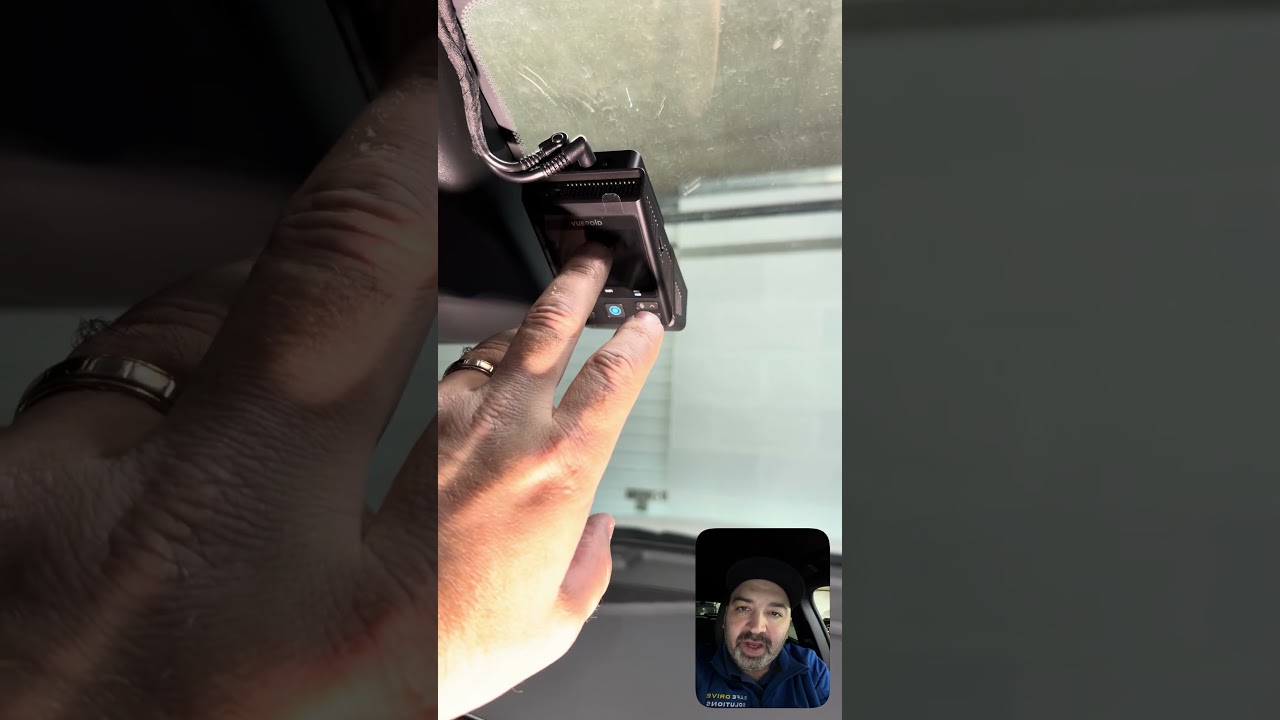
Installing a front and rear dash camera in an Equinox EV requires planning around the vehicle's interior geometry while keeping everything tidy and unobtrusive. The result should give clear 4K front footage and high-resolution rear coverage without distracting the driver or compromising the clean factory look.
What the setup provides
- Front camera: 4K resolution for crisp, detailed footage.
- Rear camera: 2K resolution to capture incidents behind the vehicle.
- Separate recordings: Front and rear each produce their own continuously recorded file.
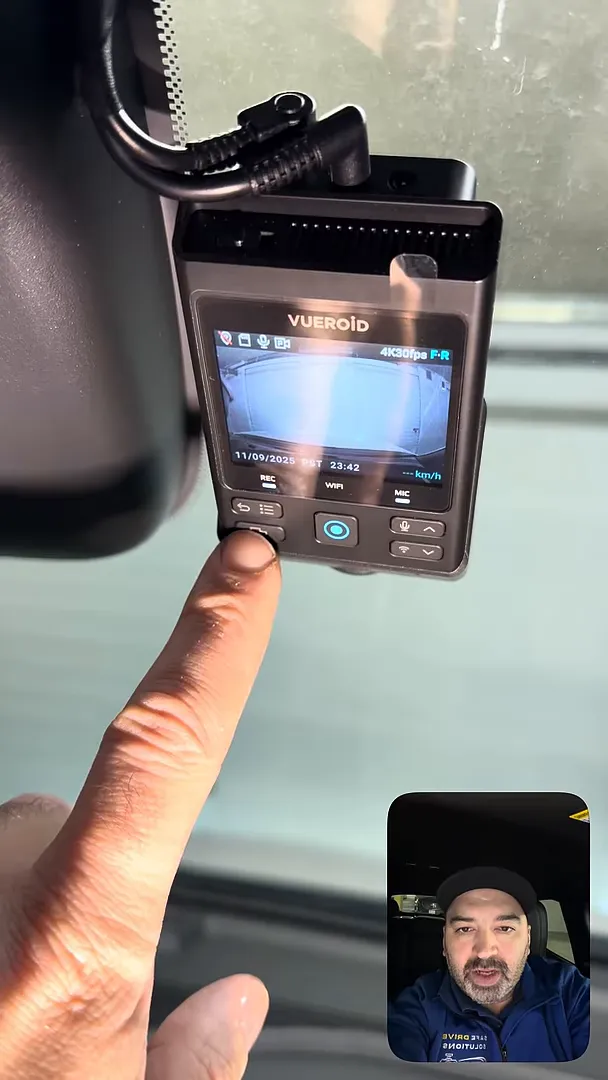
- On-device controls: Emergency record button, microphone toggle, Wi-Fi for phone pairing, and view selection.
- Neat installation: Wiring routed through factory grommets and hidden in the headliner for a factory-like finish.
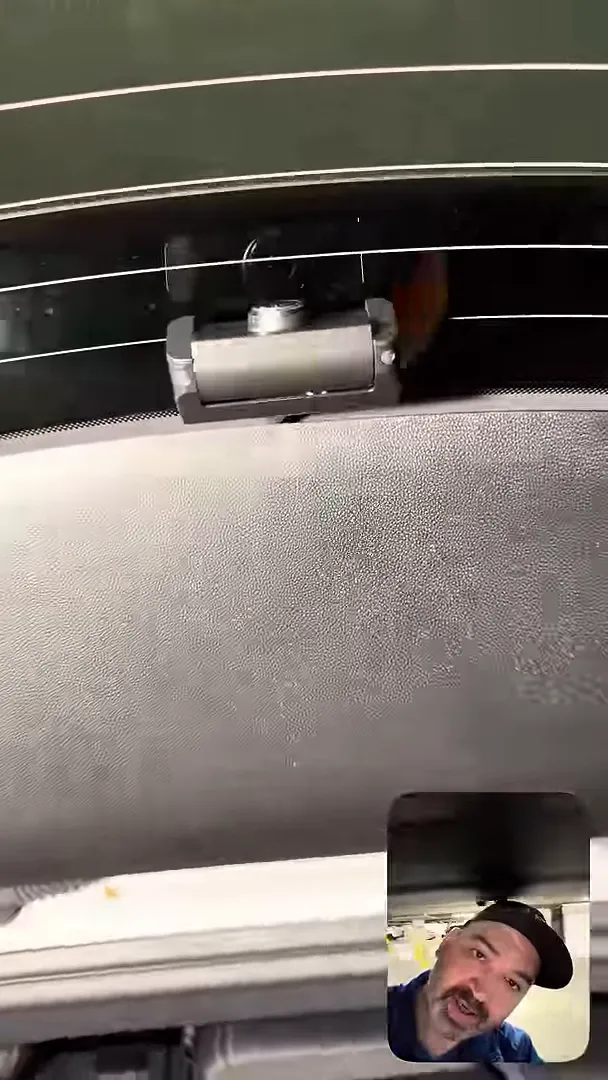
Rear camera: clean, unobtrusive mounting
The rear camera is mounted with all wiring tucked away and routed through factory grommets. This keeps the installation secure and preserves the vehicle's original trim lines.
Front camera: placement matters
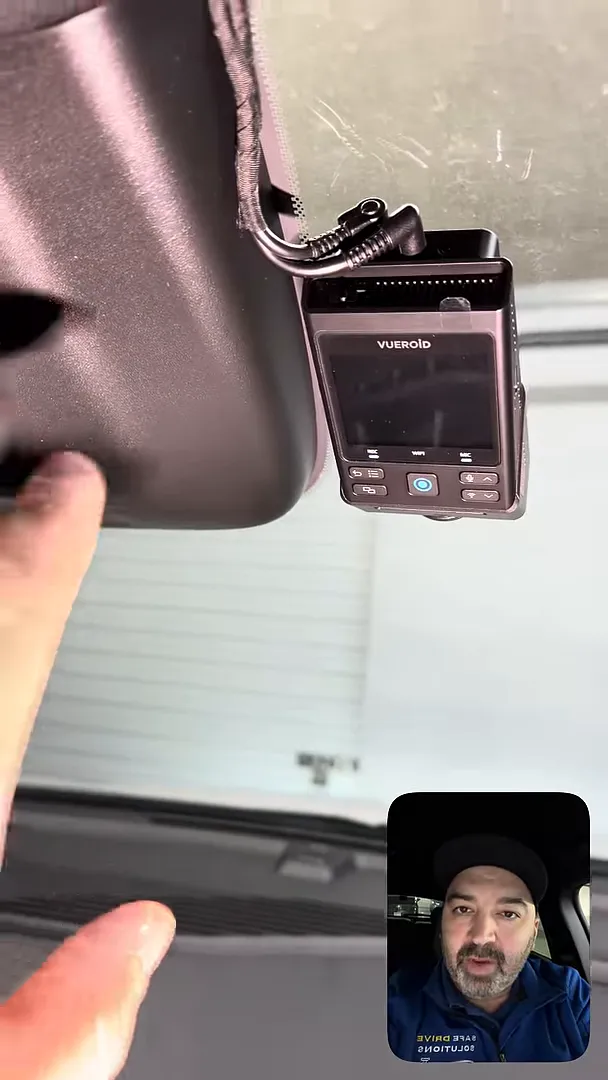
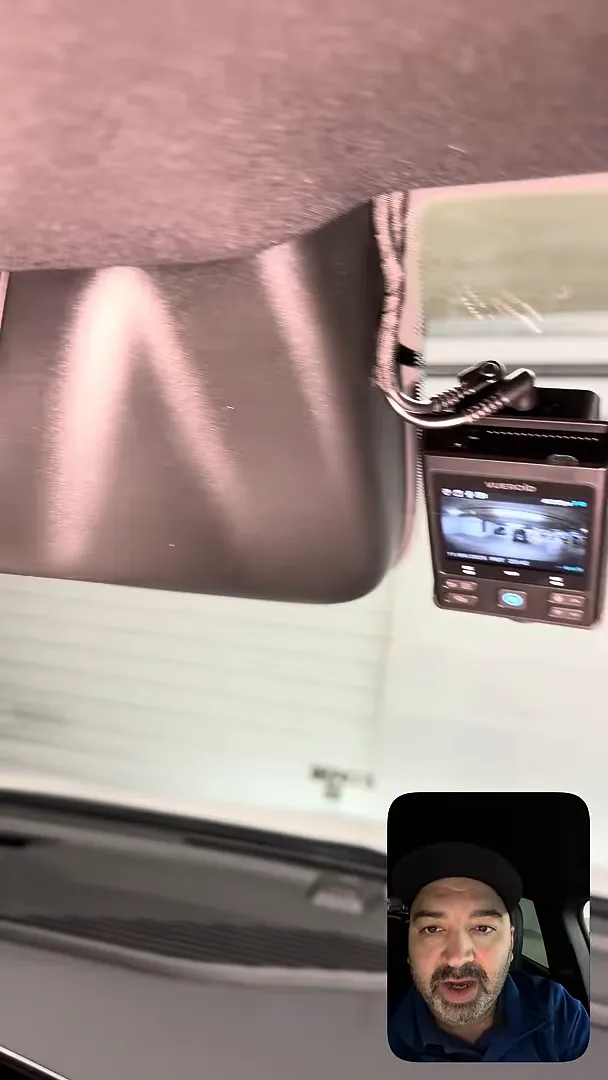
The Equinox has a rather large roof housing near the windshield. Mounting the front camera too high risks the lens capturing part of that housing, which would degrade the field of view. The camera needs to be positioned slightly lower than the housing so the forward view remains clean.
From the driver’s seat the camera sits out of sight, avoiding distraction while driving. A thoughtful mount location balances optimal recording angle with minimal visual impact inside the cabin.
Controls and usability: Veroid S1 display
The Vueroid S1 display handles live views and quick control functions. The physical buttons let you trigger an emergency record, toggle the microphone, and switch Wi-Fi on or off for pairing with your phone. Multiple view modes are available so you can change how front and rear feeds are displayed on the screen.
Why these controls matter
Quick access to an emergency record button is essential when you need to preserve footage immediately after an incident. The microphone toggle supports privacy when needed. Built-in Wi-Fi simplifies downloading clips or adjusting settings without removing the storage card.
Recording and file management
The system records two separate video files simultaneously: the front camera at 4K and the rear camera at 2K. Keeping each feed in its own file makes reviewing and exporting evidence easier and ensures independent continuity if one feed is interrupted.
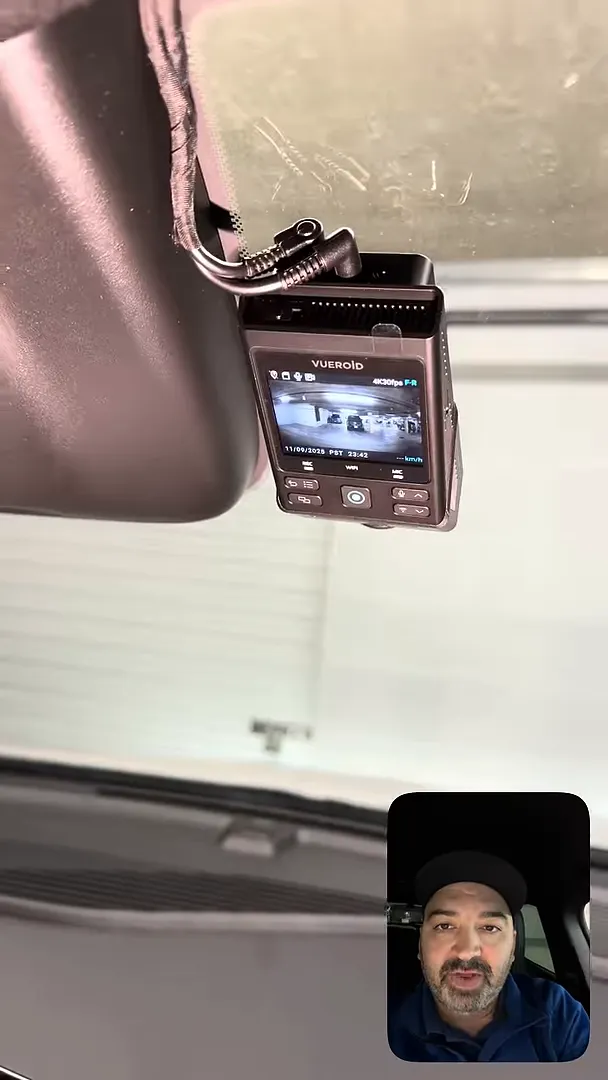
"It's always constantly recording two separate video files for the front and for the rear."
Wiring and concealment
For a professional finish, all wiring runs up into the headliner and is hidden from sight. Using factory grommets to pass cables helps avoid drilling or permanent alterations. This approach preserves the interior aesthetics and reduces the chance of rattles or loose wiring.
Installation checklist
- Plan camera positions with attention to trim, sun visors, and roof housings.
- Route cables through factory grommets wherever possible.
- Secure the front mount slightly below large roof housings to avoid obstruction in the lens.
- Confirm on-device controls are accessible and that Wi-Fi pairing works.
- Test recording on both front and rear channels to verify angle and exposure.
Final thoughts
A well-executed front and rear dash camera installation enhances safety and peace of mind without compromising the vehicle’s interior. Prioritize unobstructed fields of view, tidy wiring runs, and convenient access to emergency and connectivity features for the best overall experience in an Equinox EV.