How Quick Does Your Dash Camera Start to Record?
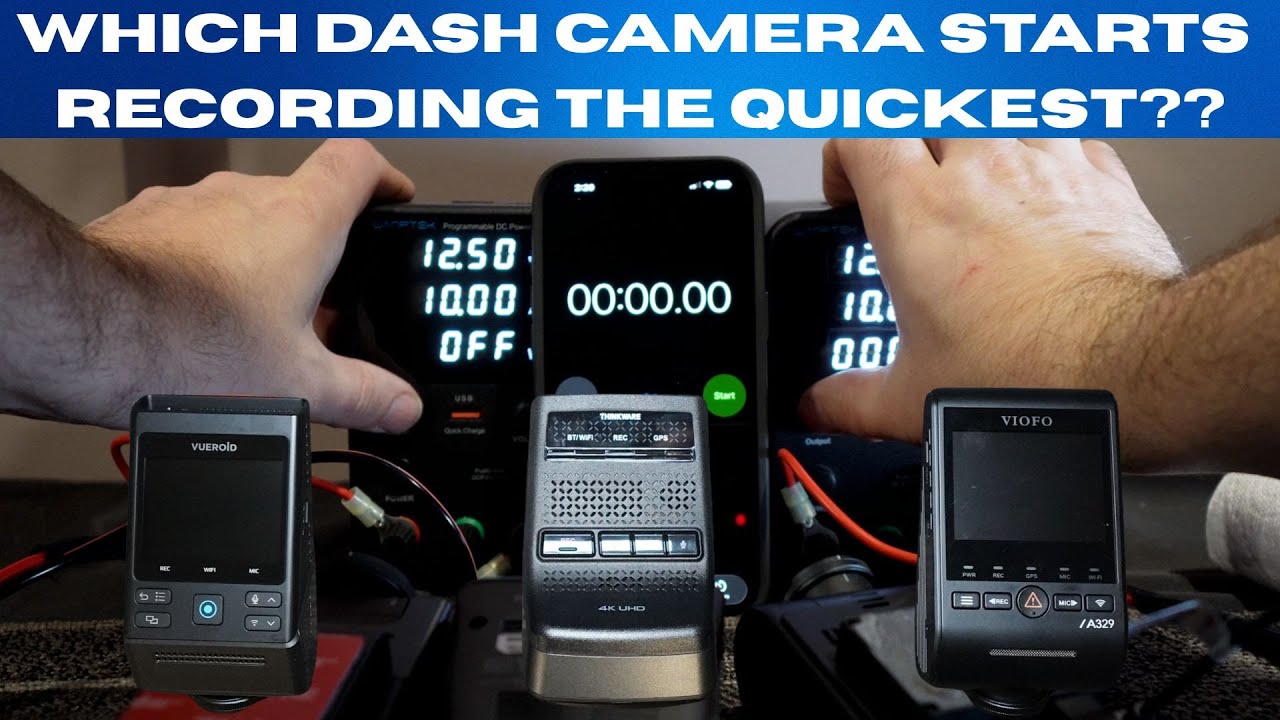
Startup time is one of those small specs that quietly matters. If a dash cam takes several seconds to begin recording after the engine turns on, it can miss important moments that happen in the first few seconds of a drive — a close call pulling out of a driveway, a hit-and-run, or an instant when evidence is most needed. Testing how fast a dash camera begins recording gives a practical insight into how reliable it will be at capturing the unexpected.
Test setup: simple, repeatable, and focused on real-world behavior
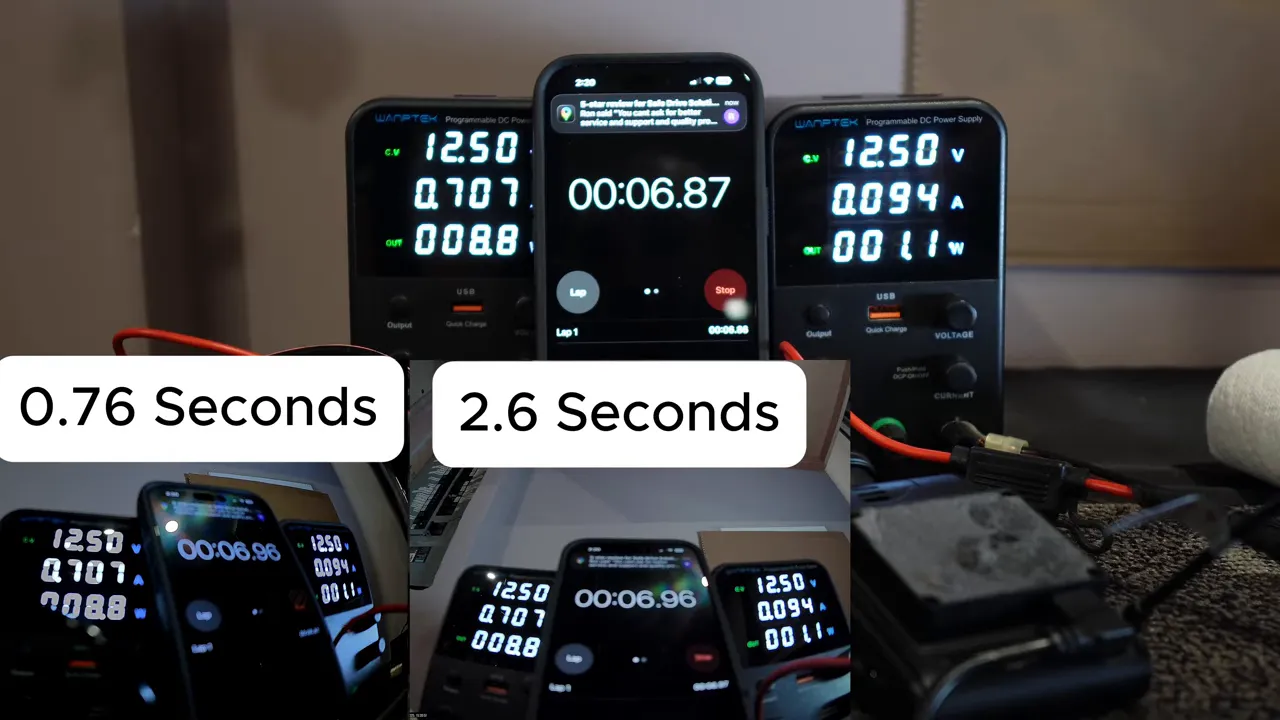
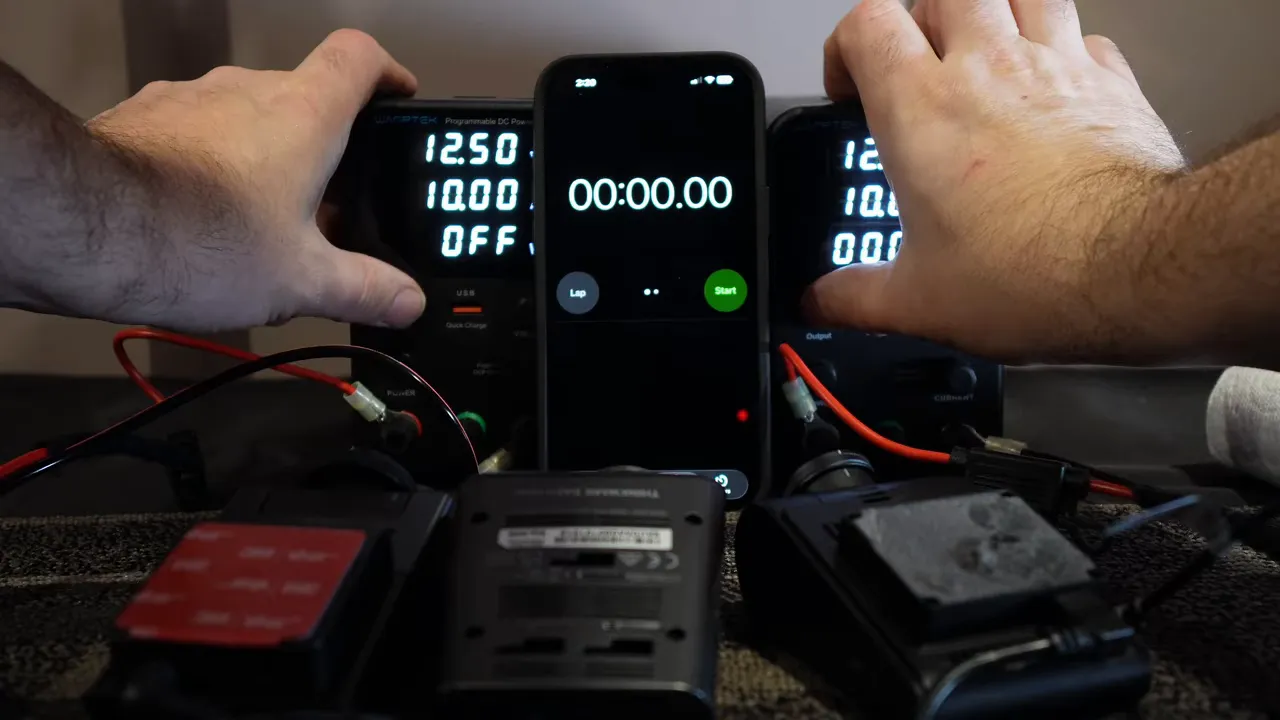
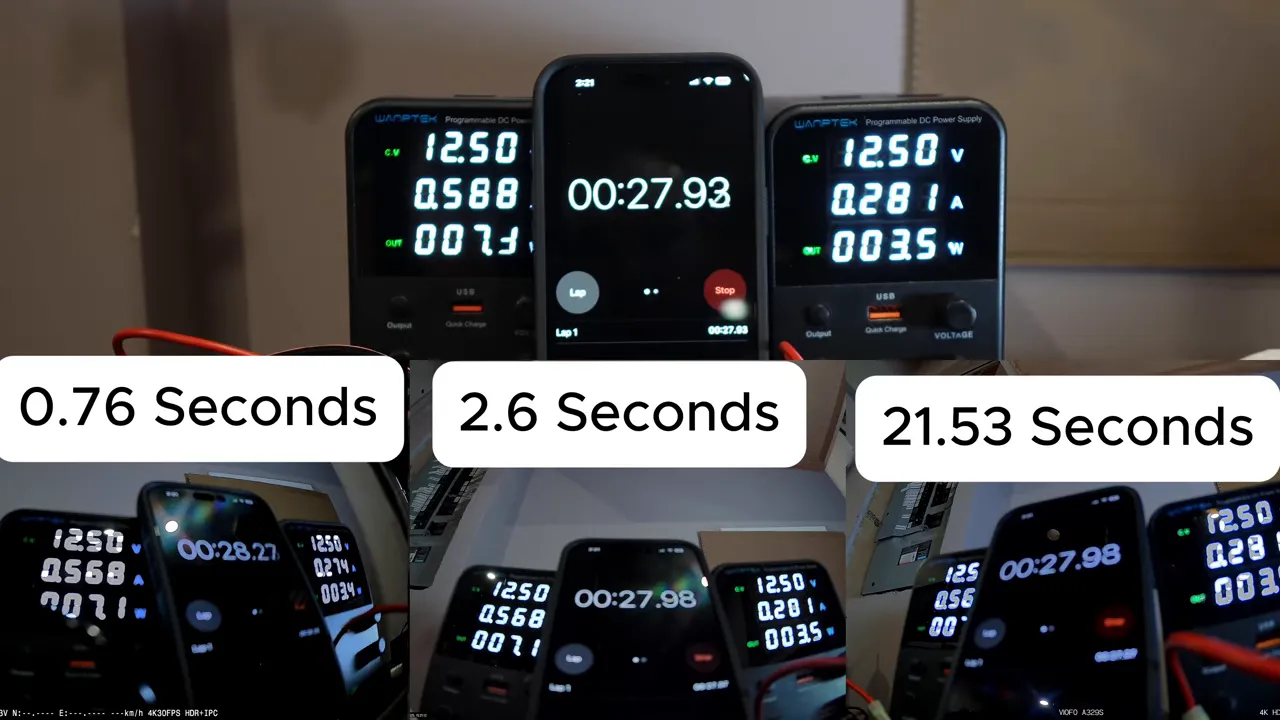
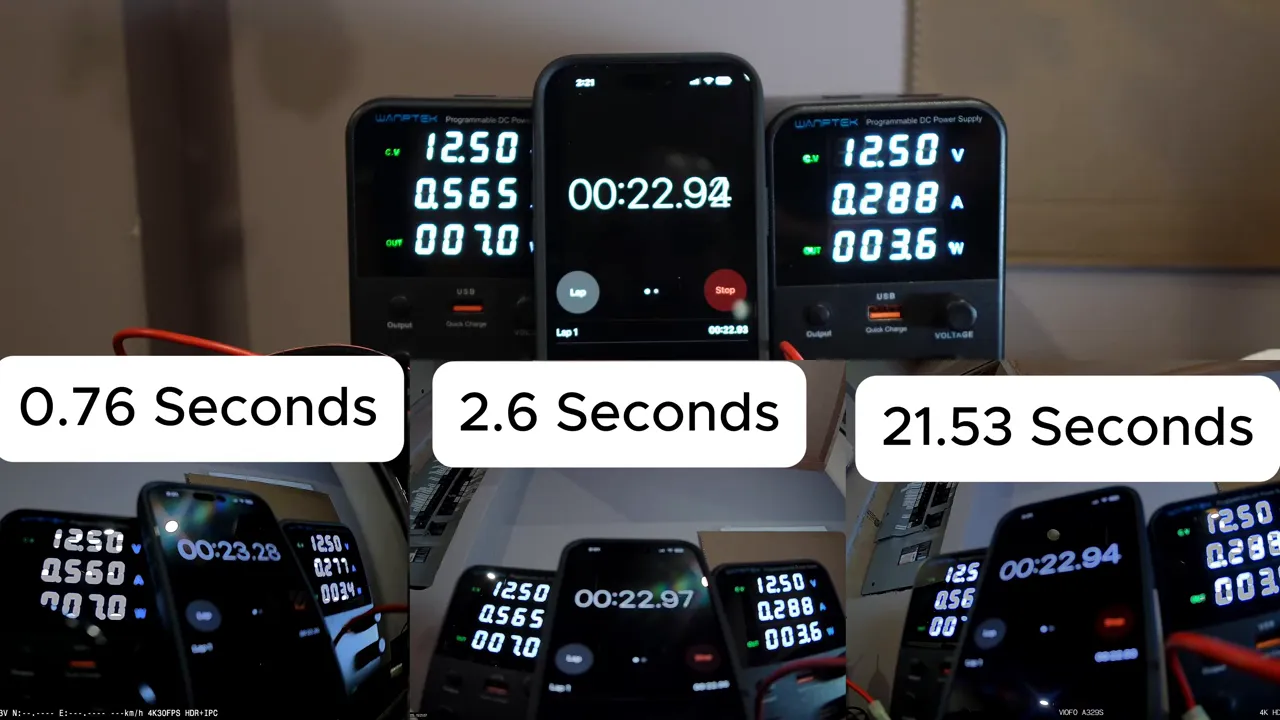
The test used three popular dash cams and one central timer. Power was given to all three units at the same moment and the elapsed time until each camera began recording was measured. A small but important caveat: there was a 0.48 second delay between giving power and starting the phone timer. That delay is noted below and accounted for so you can understand both the raw measurement and the adjusted time.
Measured startup times
Raw measurements show how each camera behaved in this setup. A second set of adjusted times subtracts the 0.48 second phone-timer delay to approximate the camera's true response from power-on.
- Vueroid S14K — recorded at 0.76 seconds.
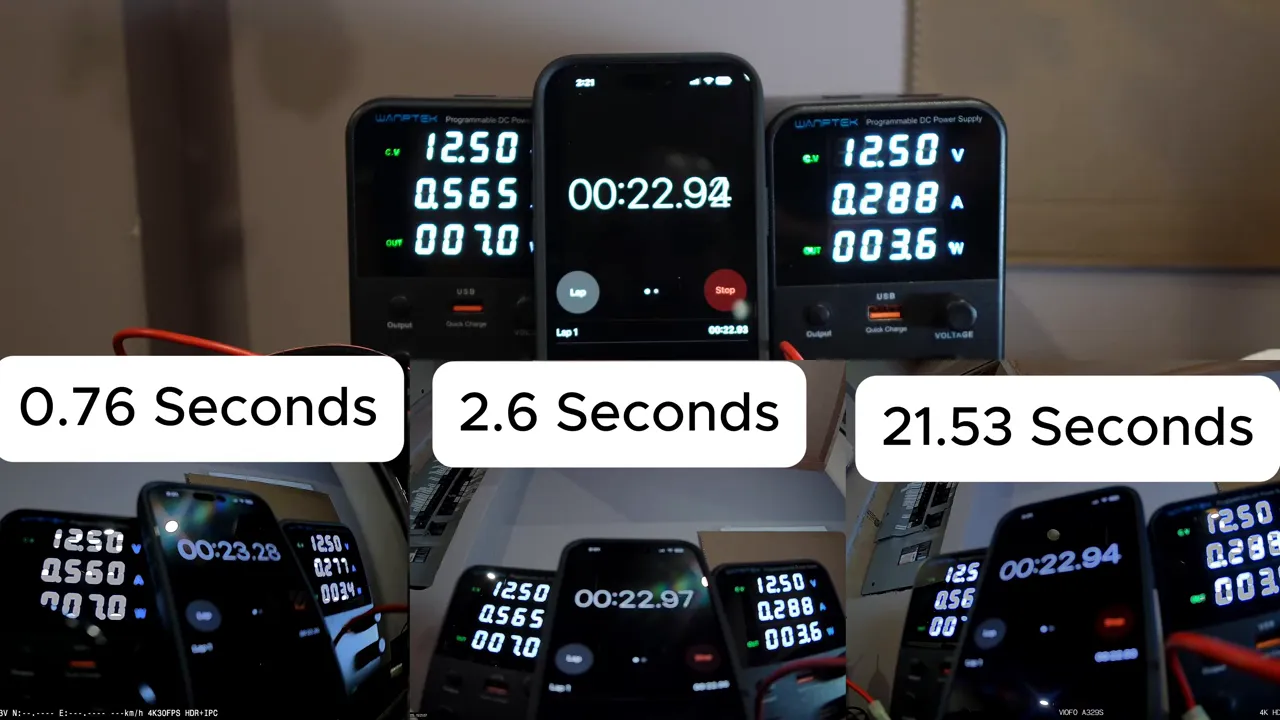
- Thinkware U3000 Pro — recorded at 2.66 seconds.
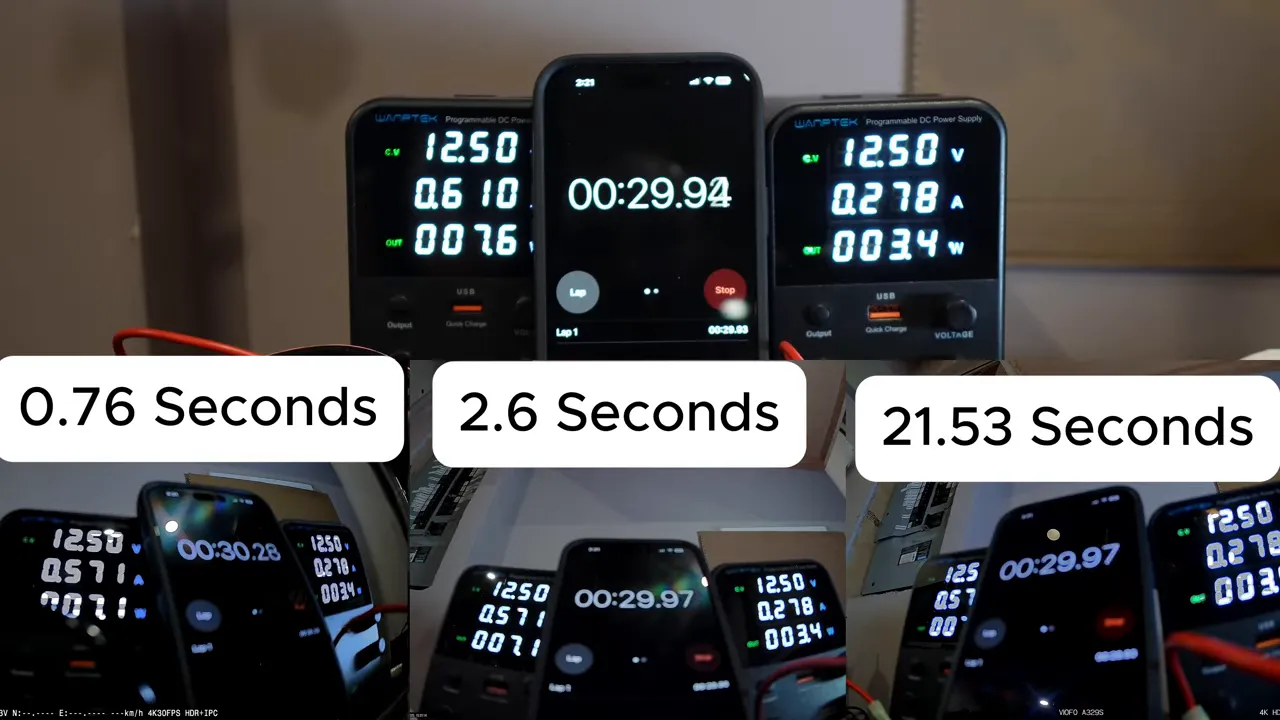
- VIOFO A329S — recorded at 21.53 seconds.
Interpreting the numbers
A camera that starts within a fraction of a second is effectively capturing the moment the car becomes active. The Vueroid S14K’s near-instant start (well under a second when adjusted) means it will record almost everything that happens right after ignition. The Thinkware U3000 Pro is still fast enough for most situations, starting in just a couple of seconds. The VIOFO A329S 20+ second boot is long enough to miss immediate incidents after starting the vehicle.
When startup time matters most
- Short trips where the engine is on for less than a minute.
- Incidents that happen immediately after the car is started (driveway collisions, immediate pullouts, or quick curbside events).
- Any situation where the first few seconds of footage are likely to contain the key evidence.
Why some dash cameras take longer to start
Several technical steps happen between power and recording: firmware boot, sensor initialization, file system checks, GPS lock acquisition, and parking mode checks. More complex models — especially those with advanced features like 4K recording, cloud connectivity, or larger firmware stacks — can require more initialization time. Hardware design choices such as capacitor vs battery backup and the efficiency of the bootloader also play a role.
Practical tips to reduce missed footage
- Choose a fast-booting model if immediate recording is important. Tiny differences matter on short trips.
- Keep firmware up to date. Manufacturers sometimes optimize boot routines and reduce startup delays in firmware updates.
- Ensure proper power installation. A steady, correct power supply can prevent additional delays or boot failures. Hardwiring with the recommended kit is generally better than unstable adapters.
- Check camera settings. Some units allow trade-offs between features and startup behavior; disabling nonessential services can shorten boot time.
Which startup time is "good enough"?
It depends on how you use the car. For rideshare drivers, delivery drivers, or anyone frequently making short trips, sub-1-second or low-single-second start times are ideal. For commuters who have longer drives, a 2–3 second delay is usually acceptable. If a camera consistently takes tens of seconds to boot, it’s worth considering a replacement or an alternate power approach.
Final thoughts
Startup time is an important but sometimes overlooked dash cam metric. The difference between instant recording and a 20-second delay can mean the difference between clear evidence and nothing at all. When choosing hardware, weigh startup speed alongside video quality, parking mode features, and power reliability.
Which dash cam do you use, and how important is instant startup to you? Share your experience or questions below.