
Vueroid S1 4K vs Vueroid D21 4K Dash Camera: What’s the Difference?
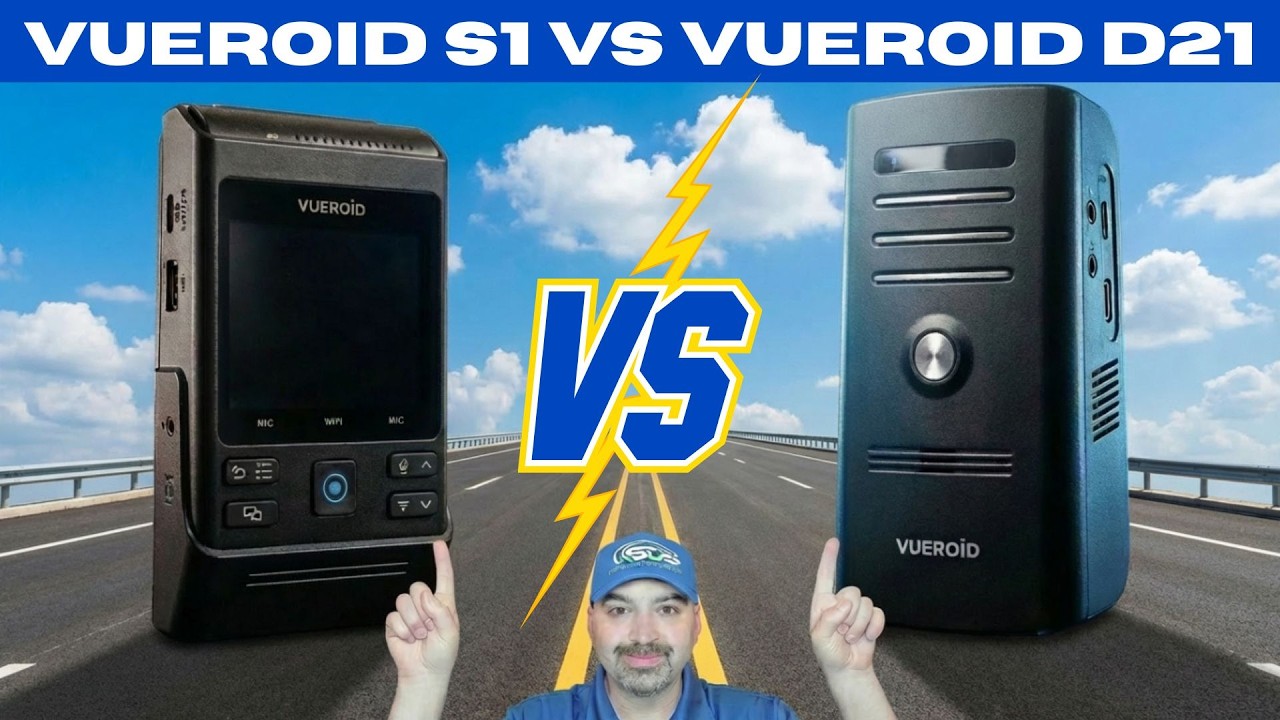
Choosing between two similar dash cams can be confusing. Both the Vueroid S1 4K and the Vueroid D21 4K use the same Sony Starvis 2 IMX 678 4K front sensor, so daytime and nighttime clarity are strong on both. The differences come down to features, flexibility, and how you plan to use the system in your vehicle. Below I break down the key hardware and software differences, real-world installation notes, and ten clear reasons you might choose the S1 over the D21.
Quick comparison at a glance
- Front sensor: Both use the Sony IMX 678 4K sensor for excellent image clarity.
- Screen: S1 has an LCD, D21 has no screen.
- Channels: S1 supports three channels (front, rear, interior). D21 is typically two channel.
- Rear resolution: S1 supports a 2K rear camera. D21 rear is 1080p.
- Storage: S1 supports up to 512 GB microSD. D21 supports up to 256 GB.
Vueroid S1 4K — features that matter
The S1 is the more feature rich option. Its front unit has an LCD screen and tactile buttons for quick control. The center button is a manual or emergency recording button. Pressing it saves a 30 second clip with 10 seconds of footage from before the press and 20 seconds after.
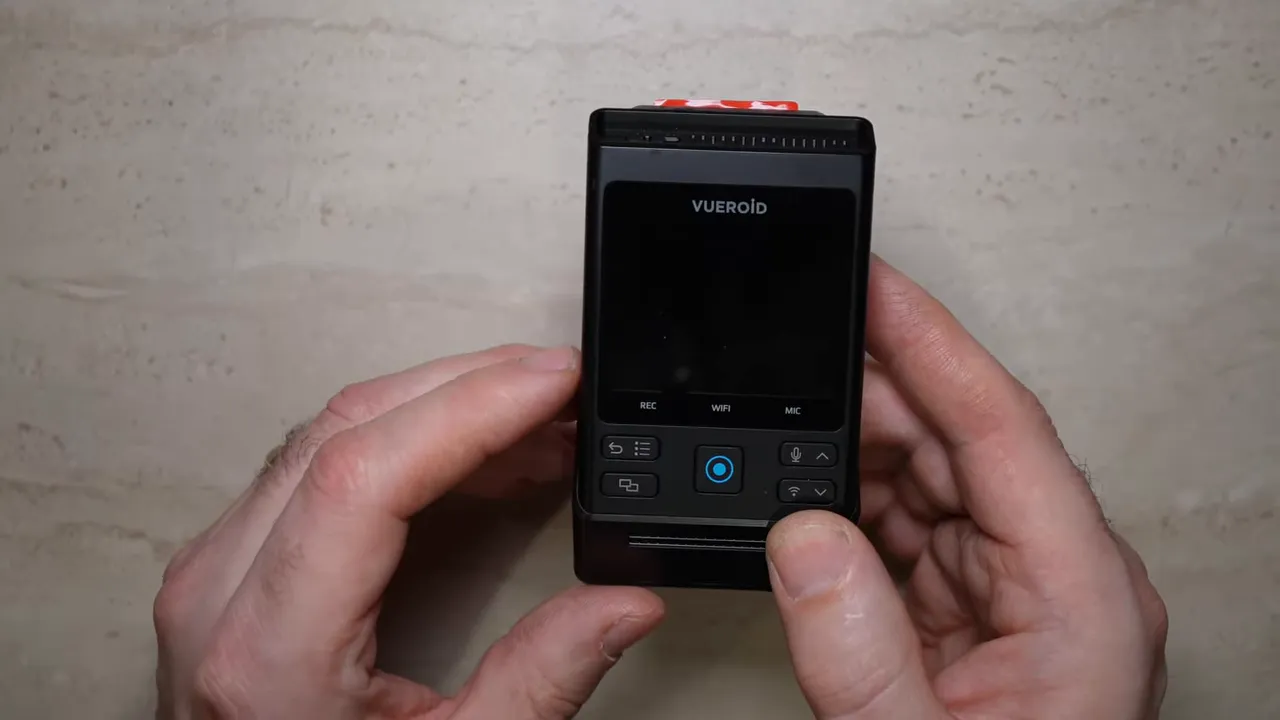
The S1 lets you change what shows on the LCD. You can cycle the view to show front, rear, or interior feeds depending on how you want it displayed. There are dedicated buttons for microphone on off and Wi Fi pairing so you can use a smartphone app when needed.
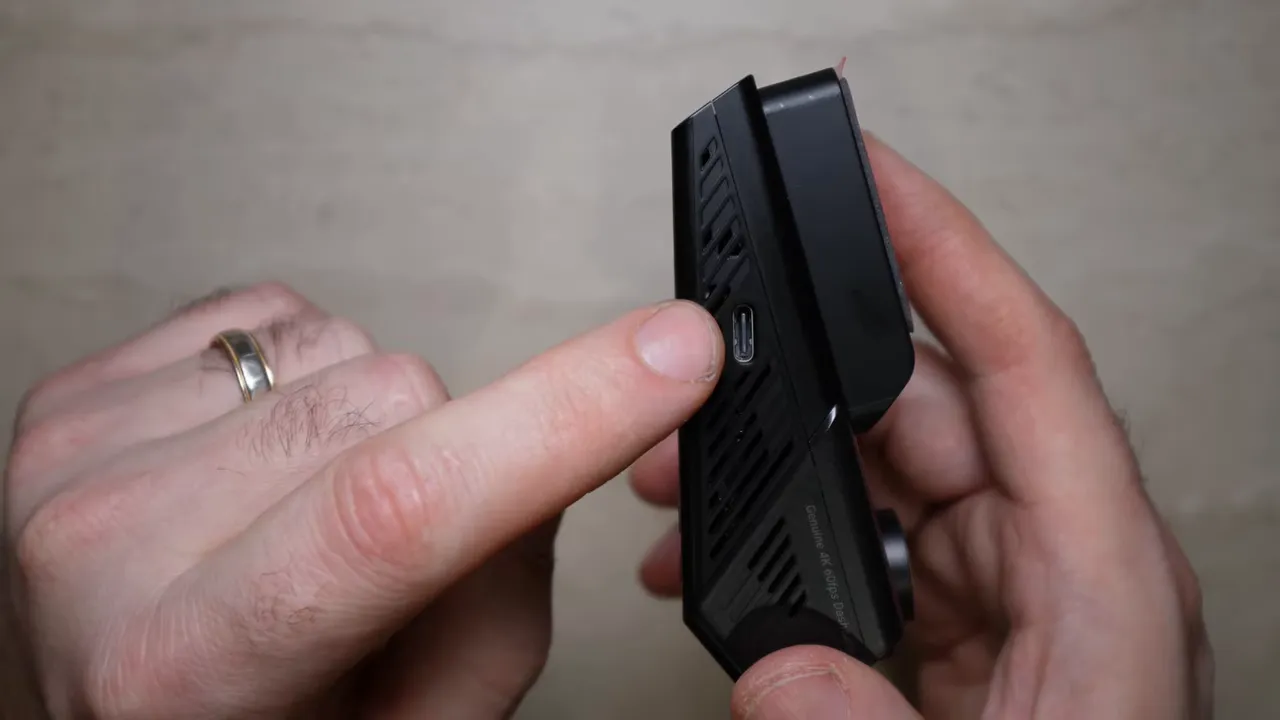
Important hardware notes:
- USB C port will work for power, but will not support any parking mode features. It is for direct file transfer to a computer or a USB C phone (for example iPhone 15 to 17 or modern Android phones).
- microSD slot supports up to 512 GB cards.
- Adjustable front sensor rotates up and down which is useful for every vehicle including commercial vehicles or mounting flat to a windshield.
- Top inputs include DC power, rear camera input, and interior camera input plus a physical on off switch.
- The S1 slides sideways off its mount so you can remove the main unit without unplugging cables.
Vueroid D21 4K — simple and effective
The D21 is a compact, screenless option built for users who prefer a minimalist footprint. It has a power button, a Wi Fi button for app pairing, a manual recording button that saves the same 30 second emergency clips, and a microphone toggle for audio on off.
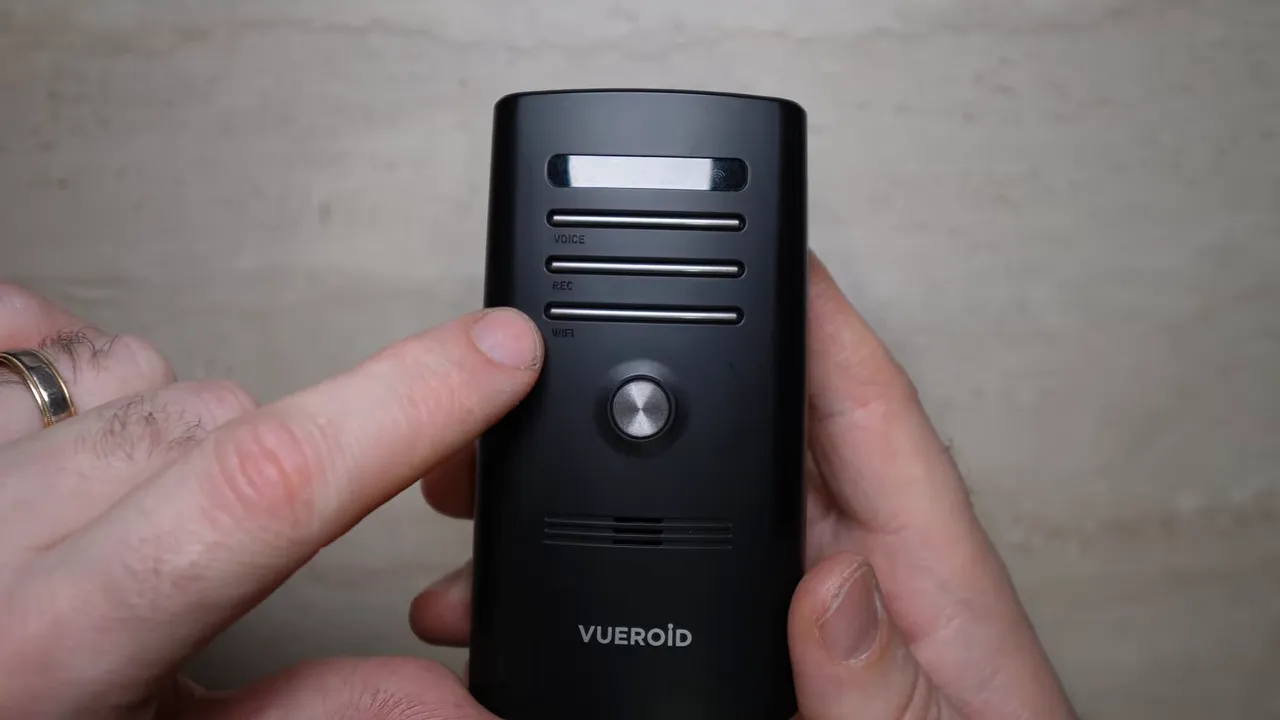
Key D21 points:
- microSD support up to 256 GB.
- Same power cable as the S1, so power accessories are interchangeable between the two units.
- The front camera can be adjusted up and down and the mount uses 3M tape. Removal is by sliding the unit sideways off the mount.
Rear camera comparison and mounting notes
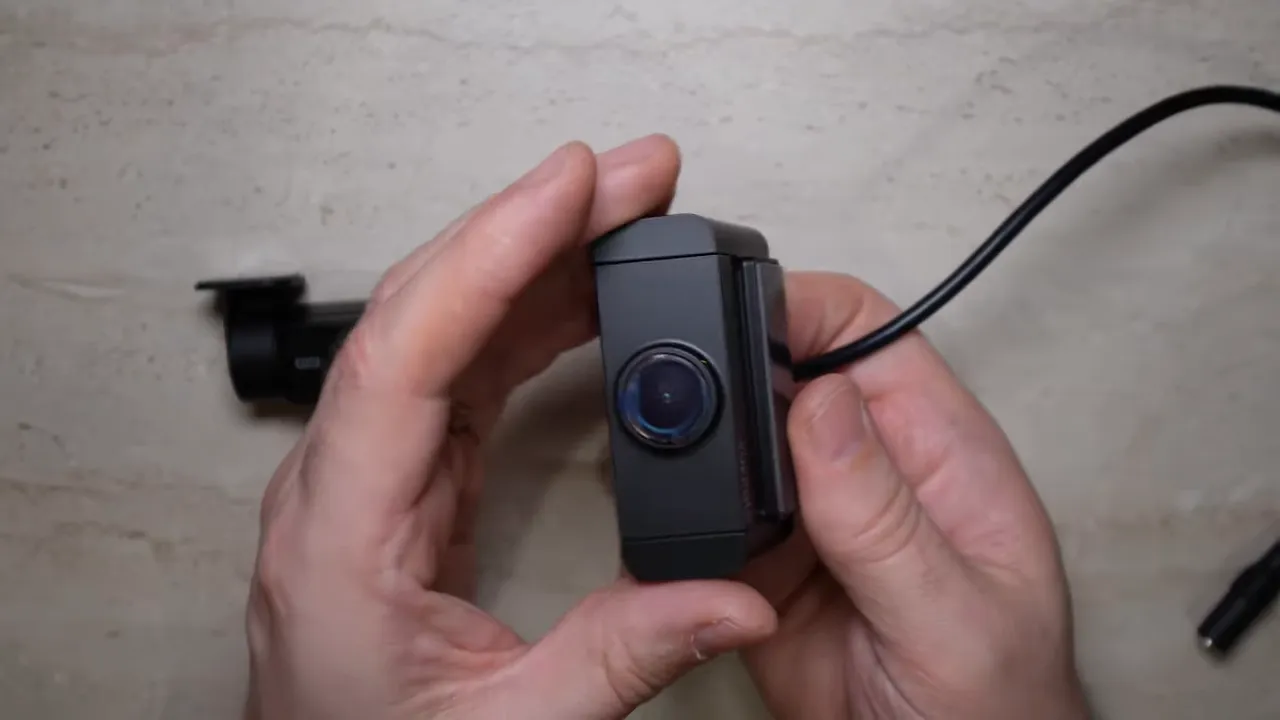
The S1 rear camera is a long strip style mounted with 3M tape that gives you some flexibility with placement and angle. In trucks with vertical rear glass, the S1 still delivers good coverage even when mounted high and perpendicular. The rear camera connects to the main cable via an inline connector which helps hide wiring cleanly.
Things to watch for:
- The S1 rear camera is larger than the D21 rear, so it may be awkward to mount on a few vehicles such as a Toyota 4Runner without a custom bracket or larger adhesive.
- The D21 rear camera is smaller and works well with small mounting clips or wallet clip style mounts used in tight spaces.
Interior camera option
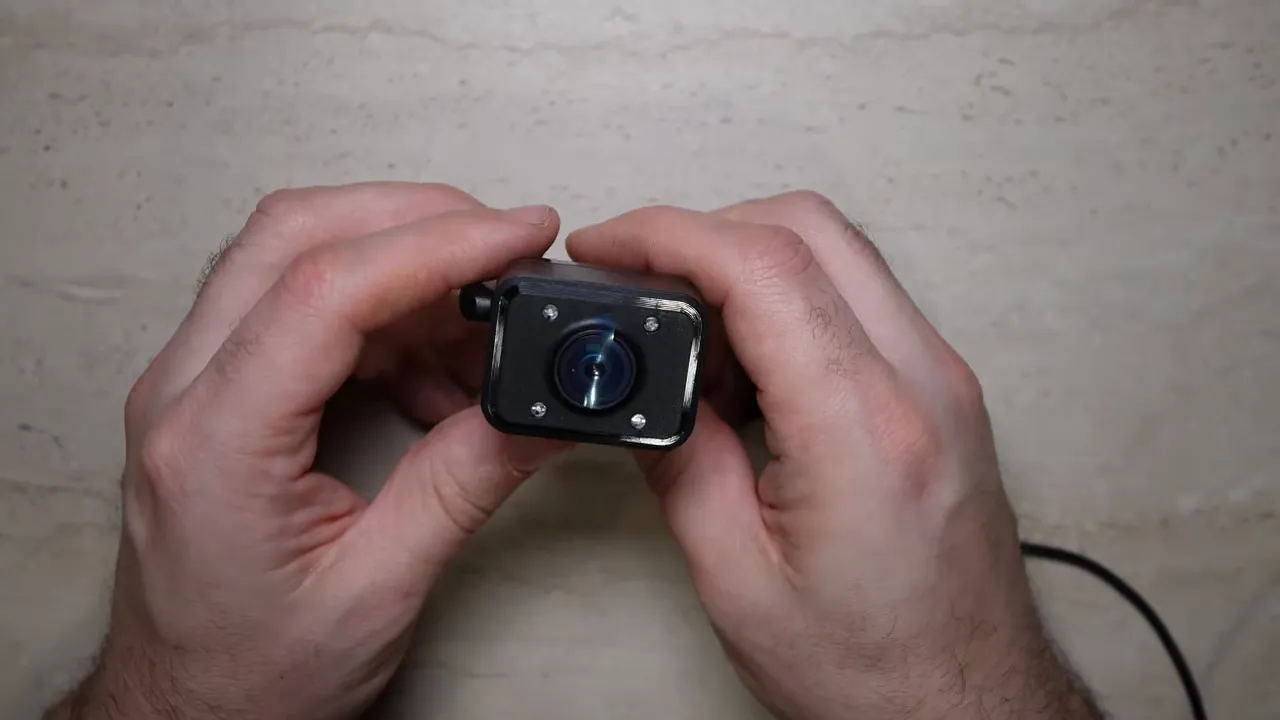
The S1 supports a dedicated interior camera. Unlike many interior cameras that only tilt up and down, the S1 interior camera can also tilt side to side. That makes it useful for recording specific interactions such as a window exchange during a traffic stop, a drive through interaction, or passenger behavior. The interior camera on the S1 is 1080p with infrared for night interior coverage.
Ten reasons to choose the Vueroid S1 over the D21
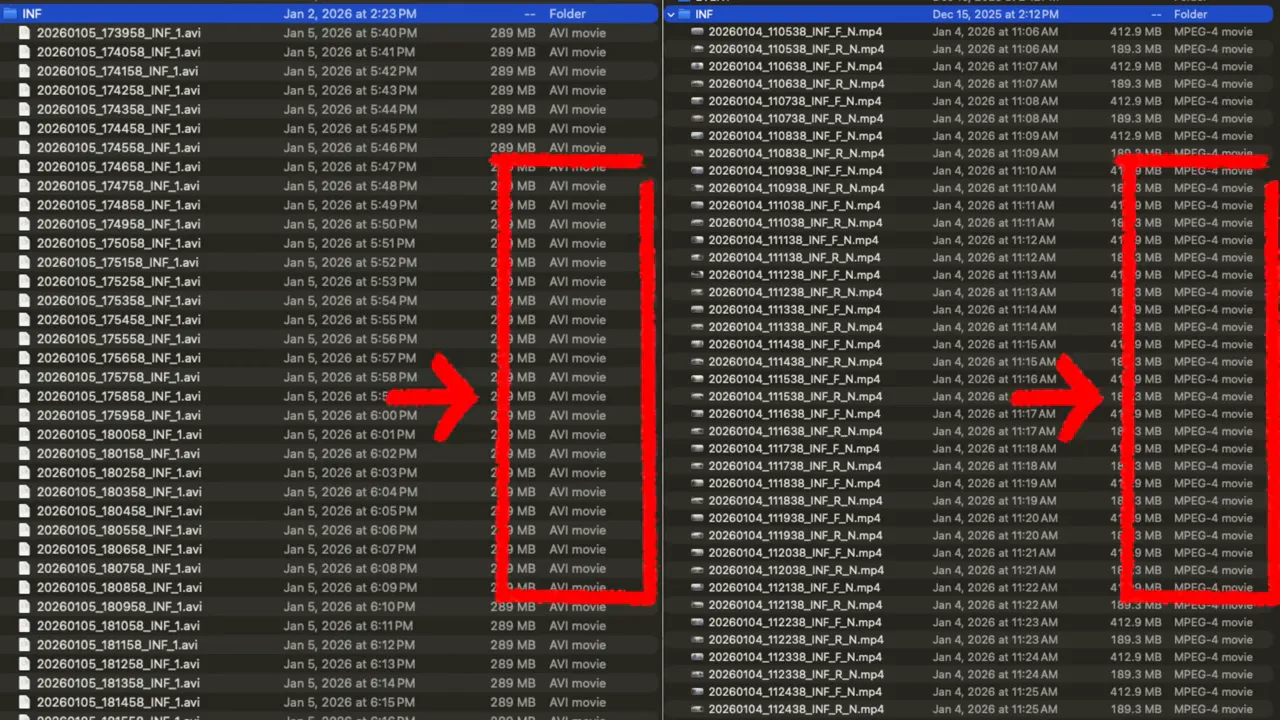
- MP4 files — All video files are MP4 so files are easier to play on any device without conversion.
- Polarized lens — The S1 front camera supports a CPL polarized filter to reduce glare and reflections.
- 2K rear support — Rear camera can be 2K, an upgrade over D21 1080p.
- Four ways to download video — Pair with smartphone app, plug the unit into a phone via USB C, plug into a computer, or remove the microSD and read it directly.
- Three channel capable — Front, rear, and interior support for more recording flexibility.
- LCD screen — Change settings, view live feeds, and review clips on the device without a phone.
- Detachable without unplugging — Slide the main unit off the mount and leave wiring intact for quick removal.
- 512 GB microSD support — More storage for longer parking mode recordings and high resolution clips.
- 60 fps 4K option — Supports 60 frames per second in 4K when HDR is turned off for smoother motion capture.
- Fast wake up — S1 wakes and starts recording within one second of ignition on.
Which should you pick?
If you want a simple, compact camera with solid 4K front recording and fewer bells and whistles, the D21 is a reliable and unobtrusive choice. It is a great option when you need core dash cam functionality without a screen.
If you want flexibility, extra channels, easier file handling, and on device controls, the S1 is the clear upgrade. The S1 is ideal for drivers who want an interior camera option, higher rear resolution, the comfort of an LCD for quick checks, and multiple ways to access footage.
Final tips for installation and use
- Use a high quality, automotive rated microSD card sized to your needs. The S1 supports up to 512 GB and this helps with long parking recordings.
- Run the wiring behind trim and tuck the rear camera cable inline for a clean install. The inline connector on the S1 rear helps hide wiring better than side plug designs.
- Test the manual recording button and microphone toggle after installation so you know how they behave in daily driving.
Summary
Both Vueroid units deliver excellent front image quality thanks to the Sony IMX 678 sensor. The choice comes down to features versus simplicity. Choose the S1 for three channel capability, 2K rear, MP4 convenience, CPL filter support, and a built in screen. Choose the D21 if you want a straightforward 4K front camera with a lower price and fewer extras.
If you plan to record interior interactions, need longer storage, or want the flexibility of multiple download options, the S1 is worth the upgrade.