
Lexus NX: How to Remove Panels to Run Dash Cam Wires by the Rear View Mirror
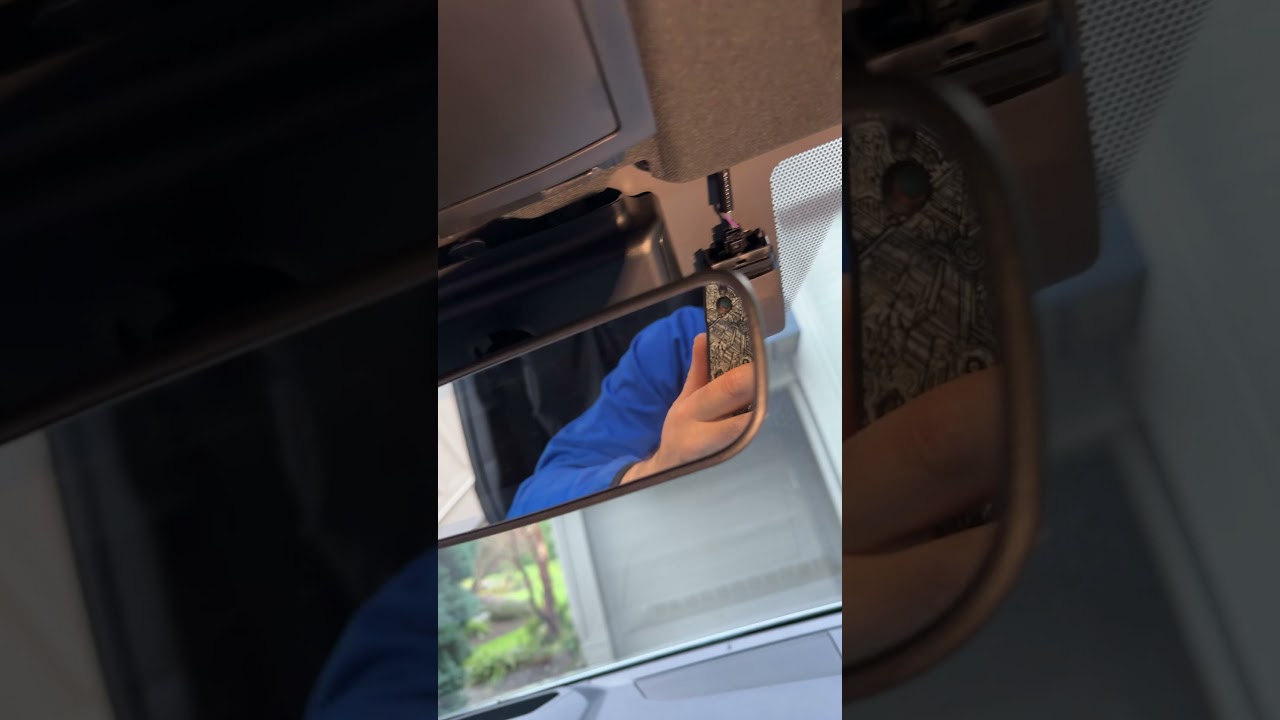
Running wires for a dash camera or OBD2 cable on the 2026 Lexus NX can feel fiddly around the driver’s side fuse box. There’s a tidy trick that lets you tuck wiring behind the center trim near the rear view mirror so the camera sits off to the passenger side, out of the driver’s line of sight. Below is a simple, step‑by‑step guide to remove the necessary trim and route your wires cleanly and safely.
What you need
- Panel popper or trim tool — plastic is preferred to avoid scratching.
- Dash camera and mounting hardware.
- Cable (hardwire kit or OBD2 extension) depending on your power method.
- Patience and a gentle touch — the clips are plastic and can break if forced.
Where to mount the camera
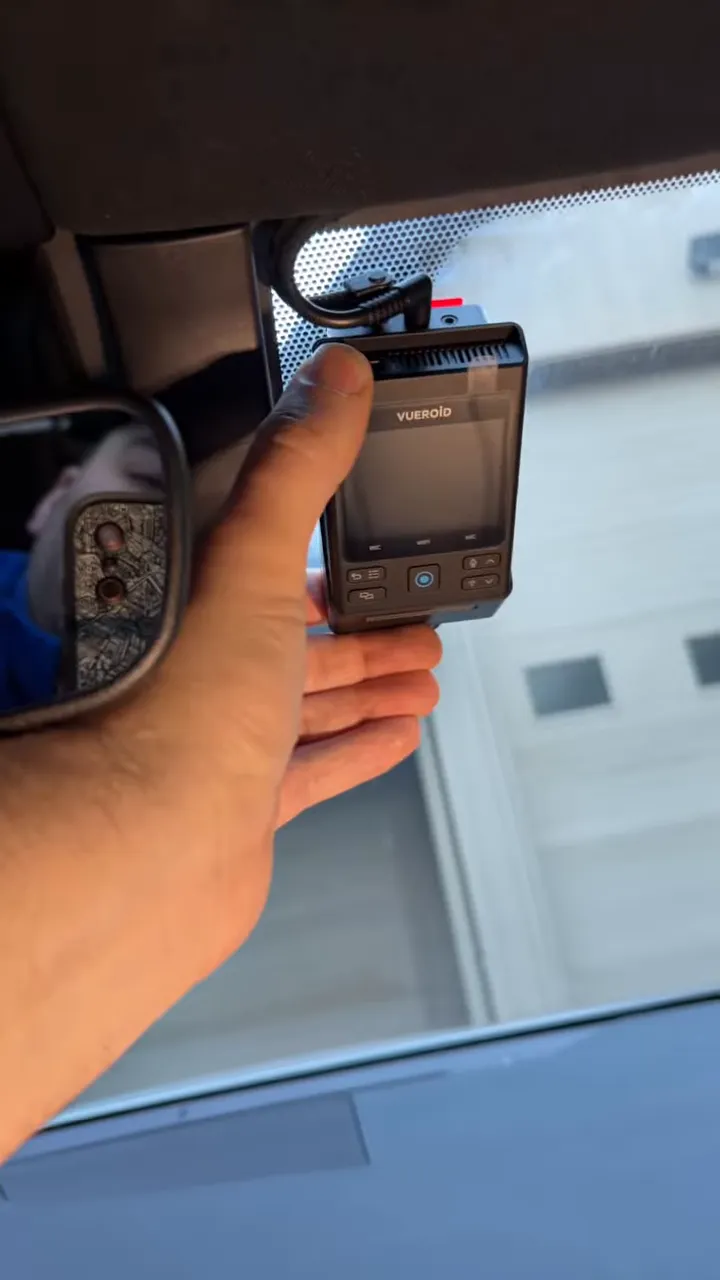
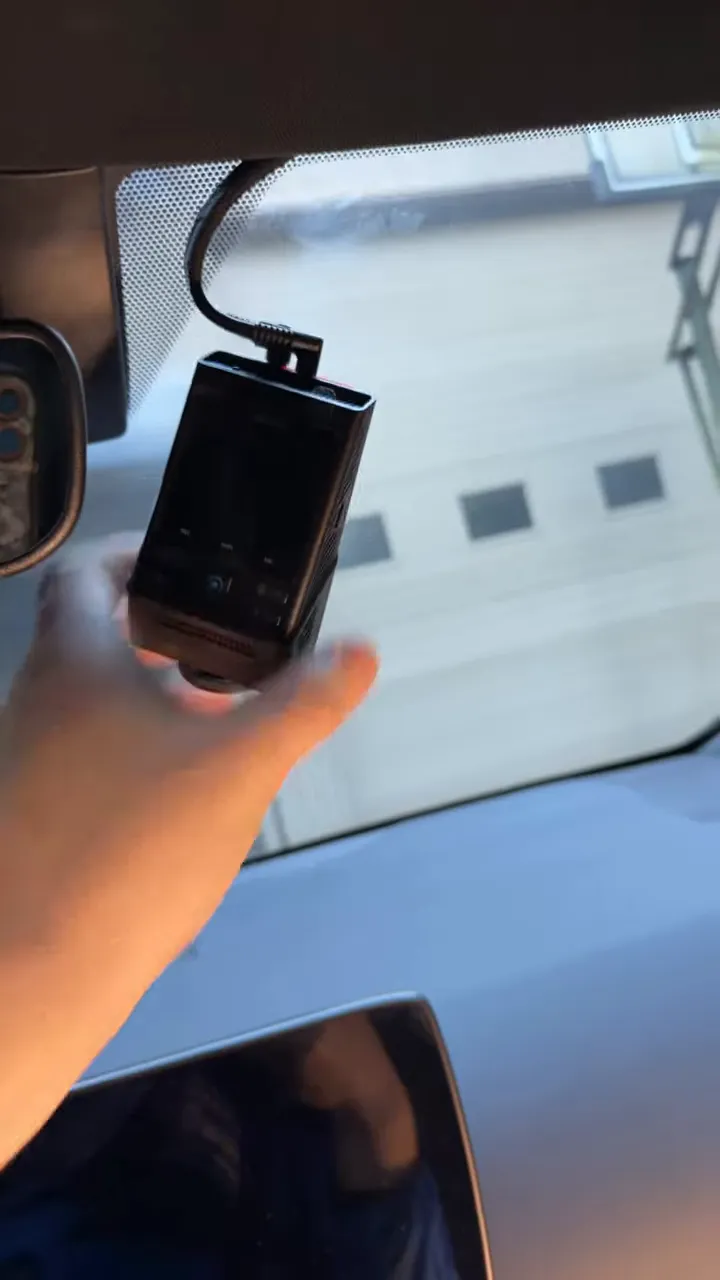
Mount the dash cam slightly off the passenger side of the rear view mirror. This position keeps the camera out of the driver’s direct field of view while still offering a clear forward view. Routing the wires behind the center trim keeps everything neat and hidden.
Step-by-step: Remove the center trim and run the wires
1. Locate the seam and insert the trim tool
Start at the seam near the top center console where the windshield meets the headliner. Insert the panel popper gently into the seam to access the trim clips. Work slowly so you don’t stress the plastic.
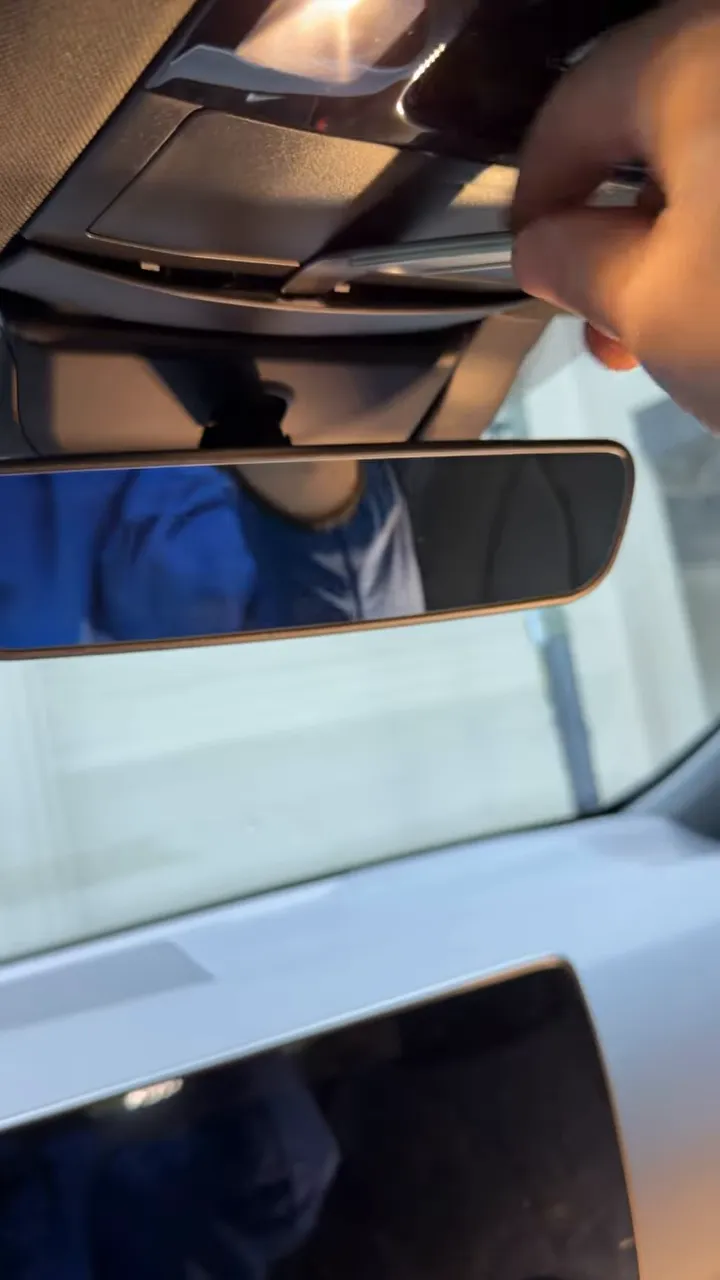
2. Find and disengage the clips
You’ll feel a couple of clips holding the panel in place. Carefully pry the panel outward enough to release these clips. Note the orientation of the clips so you know which way the panel needs to come out.
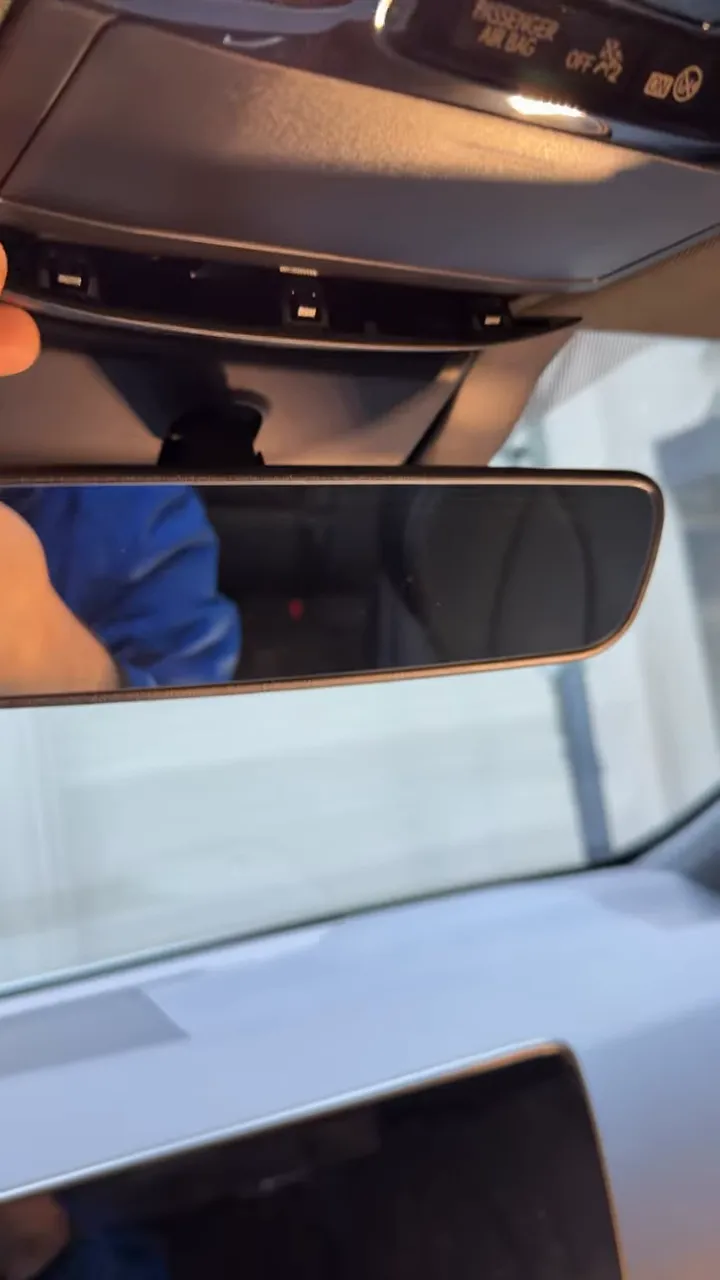
3. Remove the panel carefully
Once the clips are released, the panel will come away. Be cautious about pulling toward the passenger side — one side has a clip that can break if yanked the wrong way. Lift the panel free and set it aside.
4. Unclip the secondary piece and create a wire channel
With the outer panel off, unclick the smaller inner piece slightly so you can slip your wiring behind the trim. You don’t need to remove everything completely—just enough to create a channel for the cables to run up toward the windshield area.
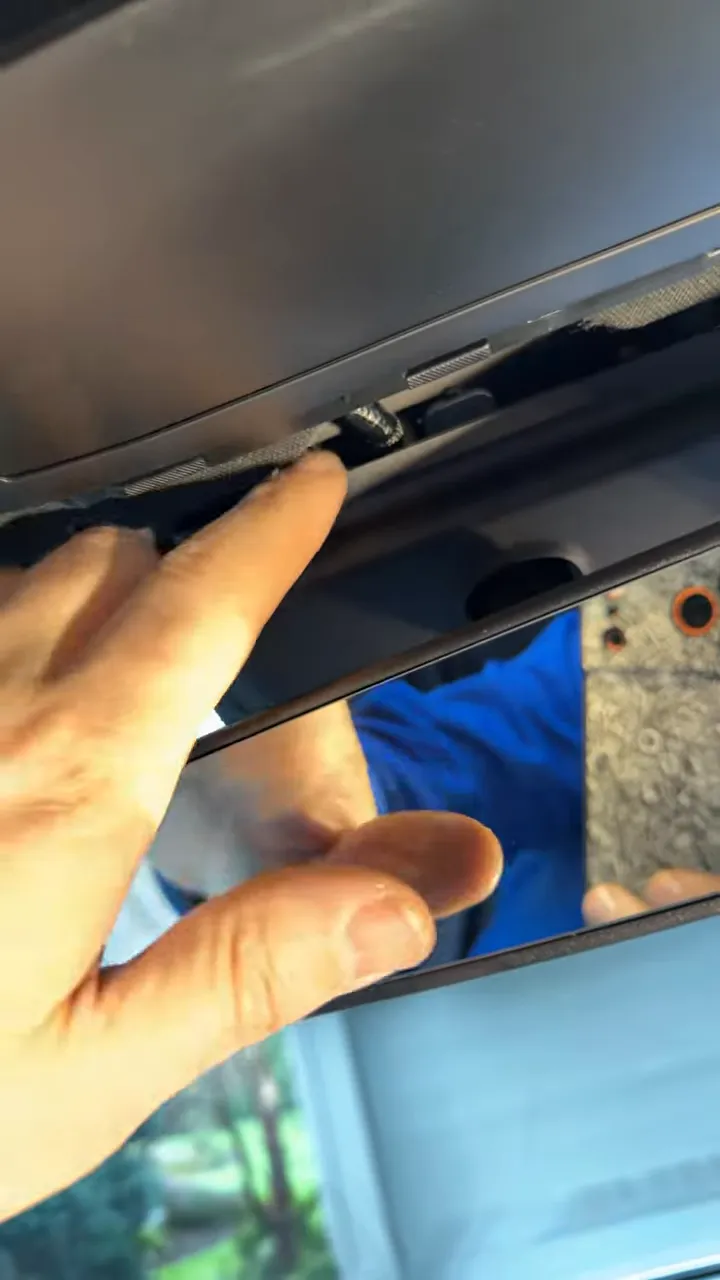
5. Route the wires and tuck them in
Feed the dash cam cable (or OBD2 extension) up behind the exposed area and tuck it into the cavity that runs toward the mirror. Make sure the cable is secured and not pinched by any clips when reassembling.
6. Reassemble and mount the camera
Snap the inner piece back into place and gently press the outer trim until all clips engage. With the wiring concealed, mount the dash cam on the passenger side of the rear view mirror. Confirm the view and ensure nothing obstructs the driver’s sightline.
Tips and cautions
- Work gently. The clips are plastic and can break if you pull the panel in the wrong direction.
- If you’re unsure, stop. It’s fine to leave the panel partially removed and ask a pro if needed.
- Similar models: Many newer Lexus NX and some RX models share this trim layout, so the same method usually works.
- Power options: If you’re hardwiring to the fuse box, routing through this area provides a clean path to the driver’s side fuse panel. For OBD2 connections, an extension routed the same way keeps the setup tidy.
Final thoughts
Running dash cam or radar detector wiring on a 2026 Lexus NX doesn’t have to be messy. With a simple trim removal, you can conceal cables behind the center console area and position the camera where it won’t distract the driver. Take your time, use the right tools, and if something feels stuck, pause and reassess rather than forcing any plastic clips.
If you want the same approach for an RX or other Lexus models, the technique is often transferable—but always check for model-specific differences before prying any trim.