
12 Dash Cameras Tested for Collision Detection | One Clear Winner
Why collision detection (parking mode) matters
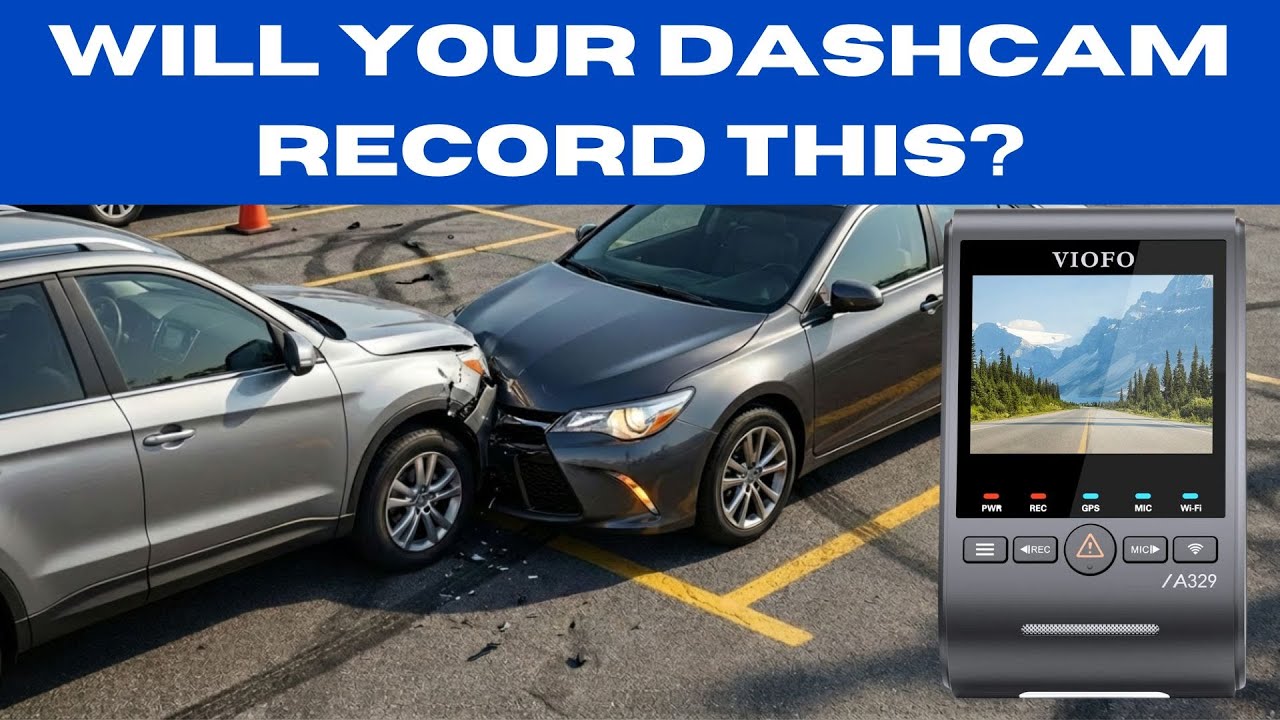
Parking-mode collision detection — sometimes called G sensor or impact detection — is the dash cam feature that wakes the camera from sleep and records an incident when your parked vehicle is hit or bumped. If the camera takes too long to wake up, a hit-and-run or a light contact can happen and be gone before the camera begins recording. A reliable dash cam should wake, record, and capture usable footage within a couple of seconds of impact.
How the test worked
Each dash camera was installed in the same vehicle and exposed to repeated impacts to the front bumper, and the hood. For each camera we measured the time between the impact and the camera starting to record. Two impact tests were used to get a representative result. Any test that took longer than 10 seconds or failed to wake was treated as a “miss” for that event (counted as 10 seconds for scoring).
What was measured
For scoring we added the wake-up times from two separate impacts. Lower totals are better — a total close to 2 seconds means the camera woke almost immediately on both impacts; totals near or above 10 seconds indicate slow or failed wake-up behavior and poor parking protection.

Results at a glance
- Vueroid S1 4k — extremely fast. Woke in ~1 second on both impacts (total ~2 seconds). Top performer.
- Thinkware U3000 Pro — extremely fast. Woke in ~1 second on both impacts (total ~2 seconds). Top performer.
- Vantrue N4 Pro S — moderate. Woke in ~5 seconds on both impacts (total ~10 seconds). Usable but slower than the leaders.
- Pelsee P1 Pro — inconsistent but showed an 8-second wake on one impact (slower).
- Blackvue Elite 10 — inconsistent. Woke quickly on one impact (1 second) and failed to wake on the other (treated as slow).
- Red Tiger F7N — slow. Required roughly 11 seconds in tests (poor for hit-and-run scenarios).
- Botslab G980H — slow. Similar long wake-up times (~11 seconds).
- 70Mai A810S — inconsistent. Woke on one impact but failed to wake on another.
- Viofo A329S — inconsistent across impacts; one test failed to wake while another did, indicating unreliable parking detection.
- FitCamX (VW ID4 model) — failed to wake in testing, even after repeated impacts.
- GKU D600 — failed to wake in testing; did not respond to impacts.
- Rove R24K Dual Pro — location-sensitive. Only woke when the windshield was struck; impacts to bumper or hood did not consistently trigger it.
Key takeaways
- Fast wake-up times win. Cameras that wake within 1 to 3 seconds are far more likely to capture a real-world parking incident. The Vueroid and Thinkware units were the clear leaders in this test.
- Many popular, low-priced models are inconsistent. Several cameras that sell well and have strong online reviews did not reliably wake after an impact in these tests. Slow wake-up or no wake-up essentially makes parking-mode protection useless for hit-and-run situations.
- Sensitivity matters — but so does stability. A camera that wakes too easily (raindrops or passing trucks) will generate false events. One that is too insensitive will not wake when it needs to. The best units balance sensitivity with a quick, reliable response to real impacts.
- Placement and where you strike the car affect results. Some cameras only register shocks that transmit through the windshield; others pick up impacts delivered to the bumper or hood. How the dash cam is mounted on the windshield and the vehicle build change how shock is transmitted to the sensor.
Buying and installation advice
- Prioritize parking-mode performance when comparing models, not just video resolution or price. Look for independent tests or manufacturer specs that mention impact/wake-up times.
- Test your camera in your car after installation. Perform controlled impacts (gentle taps to bumper, hood, and windshield) with the vehicle powered in parking-mode to confirm wake behavior.
- Keep firmware up to date. Manufacturers sometimes fix sensitivity and wake-up issues through firmware updates.
- Consider a proper hardwire kit or a dedicated battery pack for reliable 24/7 parking mode. Power source and wiring method can affect sensor behavior and the camera’s ability to wake and record.
- Don’t rely solely on online reviews. Many top-selling cameras may have strong ratings but lack real-world parking-mode testing. Independent, hands-on testing is more reliable.
Final thoughts
If parking protection is a primary reason you are buying a dash cam, wake-up speed and consistent collision detection should be at the top of your checklist. Two seconds or less is the practical target for capturing most impacts in time. Cameras that regularly take 10 seconds or more to begin recording offer very little protection in common hit-and-run scenarios.
Test after install, update firmware, and choose a model with proven parking-mode performance rather than just the lowest price.
Tested models (for reference)
- Viofo A329S
- Thinkware U3000 Pro
- Vueroid S1 4K
- Vantrue N4 Pro S
- Botslab G980H
- FitCamX (VW ID4 model)
- GKU D600
- Red Tiger F7N Touch
- 70Mai A810S
- Pelsee P1 Pro
- Rove R24K Dual Pro
- Blackvue Elite 10
Good parking-mode performance can make the difference between having usable evidence after a hit-and-run and having nothing at all. Choose wisely and verify performance in your vehicle.