
Fixing Poorly Installed GPS Tracking Systems
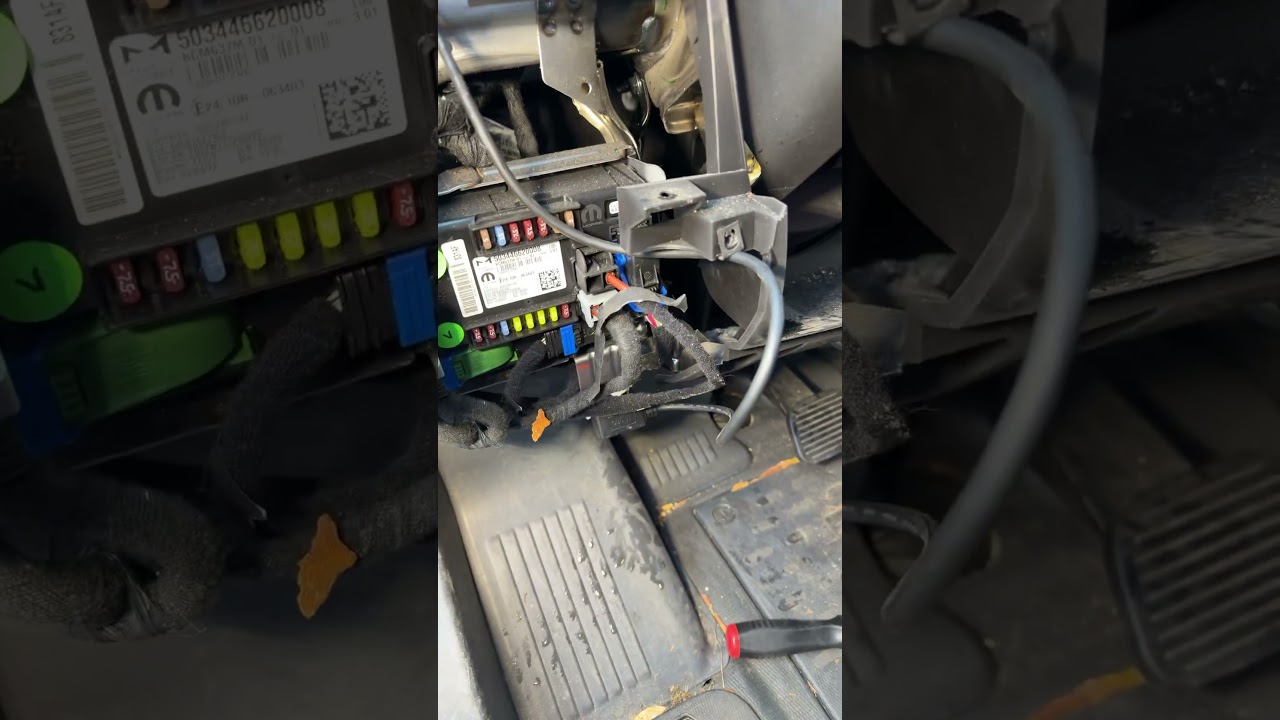
Dirty, loose, or thoughtless GPS installs are more common than they should be. Fleet vehicles and personal cars alike often get tracking units shoved onto a ledge, wires run across panels, and components left exposed. That kind of installation might work for a while, but it sets up premature failures, connection issues, and a steady stream of headaches down the road.
Why installation quality matters
A GPS tracking device is only as reliable as the installation that supports it. When installers cut corners, the immediate risks include intermittent power, poor GPS reception, and exposed wiring that can be snagged or damaged. Over time, vibrations and temperature changes make sloppy routing fail completely.
Consequences of poor installs:
- Unexpected downtime and false alerts
- Higher maintenance and repair costs
- Shorter device lifespan
- Unprofessional appearance in fleet vehicles
Common bad practices to watch for
Some of the most common mistakes are surprisingly simple and entirely avoidable:
- Placing the module on a dash ledge or unsecured surface where it can move or fall.
- Running cables across visible panels instead of tucking them behind trim.
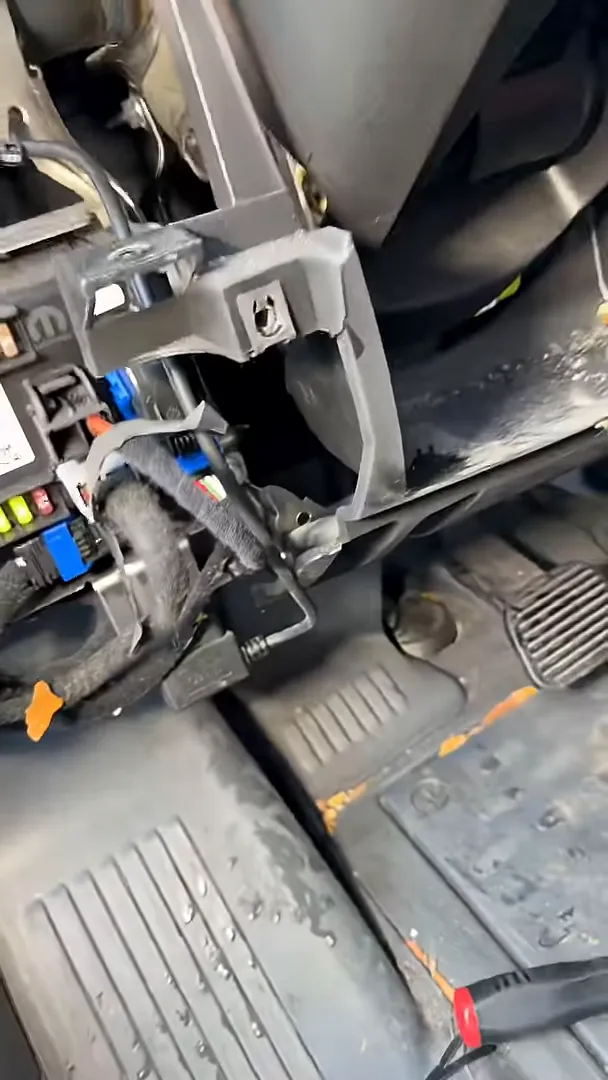
- Leaving wires loose on the floor so they get kicked or stepped on.
- Using no strain relief or tie straps to secure connections.
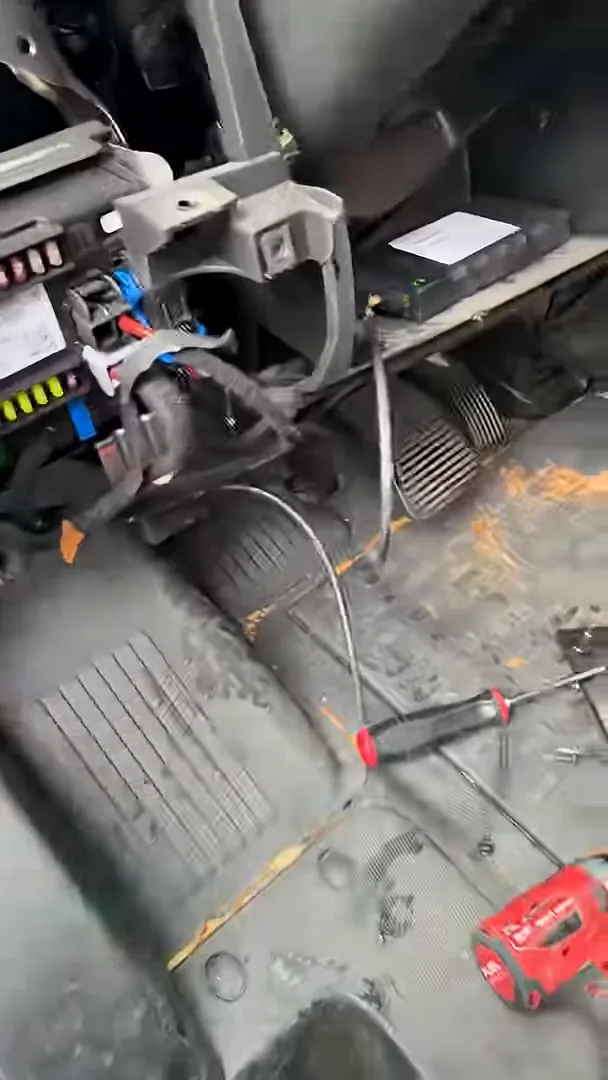
These shortcuts are often the result of installers treating the job as a quick checkbox rather than proper workmanship. When a company’s priority is monthly subscription revenue rather than professional installation, quality suffers.
What a proper install looks like
A clean installation keeps the device hidden, secure, and accessible for service. The module should be tucked away behind dash panels or in a dedicated compartment, cables routed out of sight, and wiring secured with tie straps or clips.
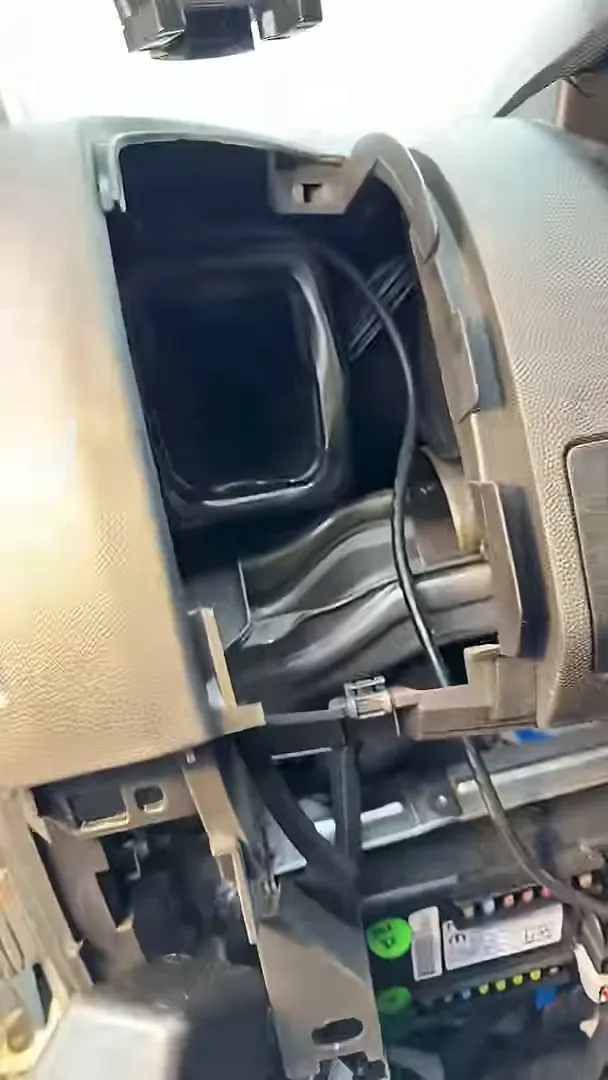
Securing the wiring and tucking the unit behind trim not only looks better, it prevents damage from feet, cargo, and routine vehicle use. It also reduces the chance of accidental disconnection when servicing other components like dash cameras.
Step-by-step checklist for a quality GPS install
- Choose a mounting location high in the dash or behind trim to maintain GPS signal while keeping the unit out of sight.
- Route power and data cables behind panels, avoiding sharp edges and moving parts.
- Use tie straps or adhesive clips every few inches to secure wiring runs.
- Provide strain relief at connectors and any pass-through points.
- Test power, data, and GPS reception before reassembling panels.
- Leave documentation and photos of the final installation for fleet records.
Questions to ask any installer
Before you authorize an install, get answers that reflect attention to detail:
- Can you show pictures of previous installations?
- How will wiring be routed and secured?
- Do you provide a workmanship warranty or service guarantee?
- Will the device be accessible for repairs without damaging trim?
Simple fixes you can ask for or perform
If you find a messy install, many problems are fixable without replacing the device:
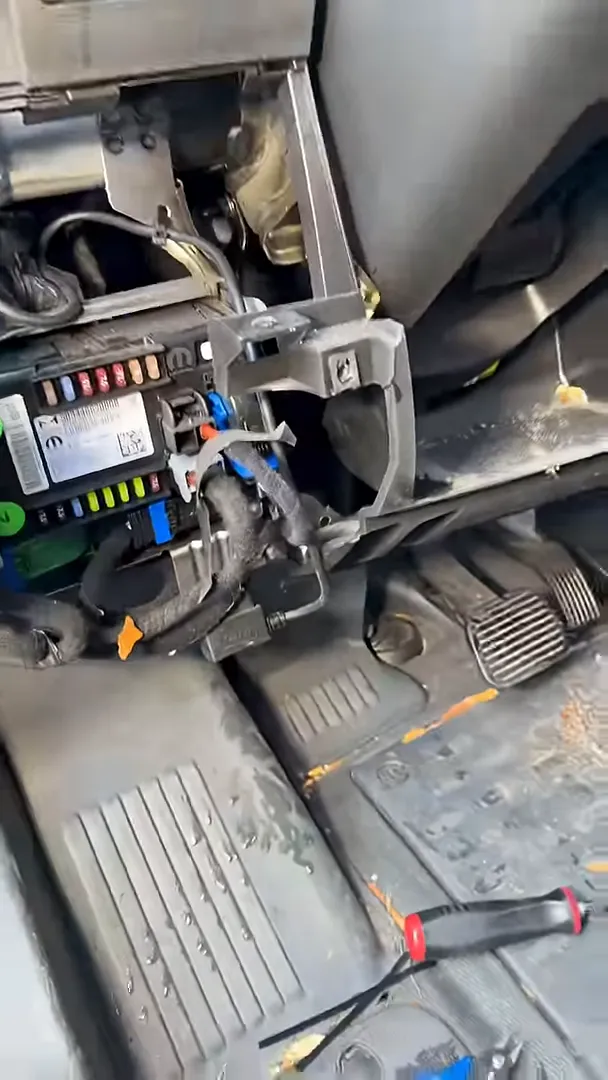
- Move the module to a secure, hidden location in the dash.
- Route cables behind the panel and secure them with tie straps.
- Test connections and re-seat any loose plugs.
- Protect wires with conduit where they pass through tight openings.
Final thoughts
GPS tracking systems deliver real value only when installed with care. The difference between a sloppy job and a clean one is reliability, longevity, and fewer service calls. When arranging an install, treat workmanship as part of the product. Ask for photos, request secure routing, and expect devices to be tucked away and tied down. It may cost a little more up front, but it saves time, money, and frustration later.