
Dash Cam Getting Unplugged? Here’s What’s Really Happening
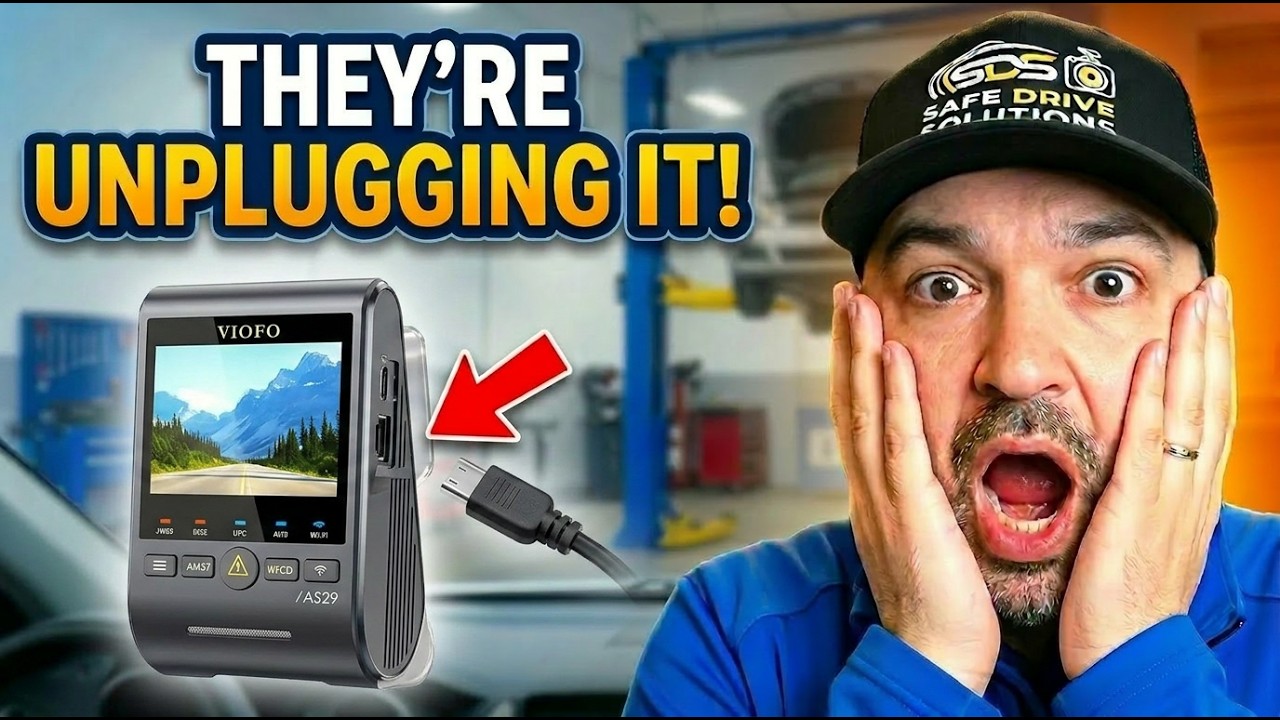
You trust your dash cam to be your silent witness. It is there for the near misses, the parking lot damage, the red-light runner, and the false accusation that can turn a normal day into a total mess.
So when a dealership or repair shop unplugs it without telling you, that is not a small inconvenience. It can remove the one piece of evidence that might protect you when you need it most.
And yes, this happens more often than people think.
How a routine oil change can leave you completely exposed
Picture this. You drop your car off for a simple oil change. Nothing unusual. You hand over the keys, maybe grab a coffee, and assume your vehicle is in good hands.
Your dash cam is hardwired, tucked neatly behind the mirror, and feels like part of the car. You do not expect anyone to touch it, let alone disconnect it.
Then you pick up the vehicle, everything looks normal, and you drive away.
A short time later, an accident happens. Another driver runs a red light, causes a collision, and immediately starts blaming you. You know you were not at fault, but now it is your word against theirs.
No problem, right? You have a dash cam.
Except the app will not connect. The camera light is off. The power cable is hanging loose.
Your dash cam was unplugged.
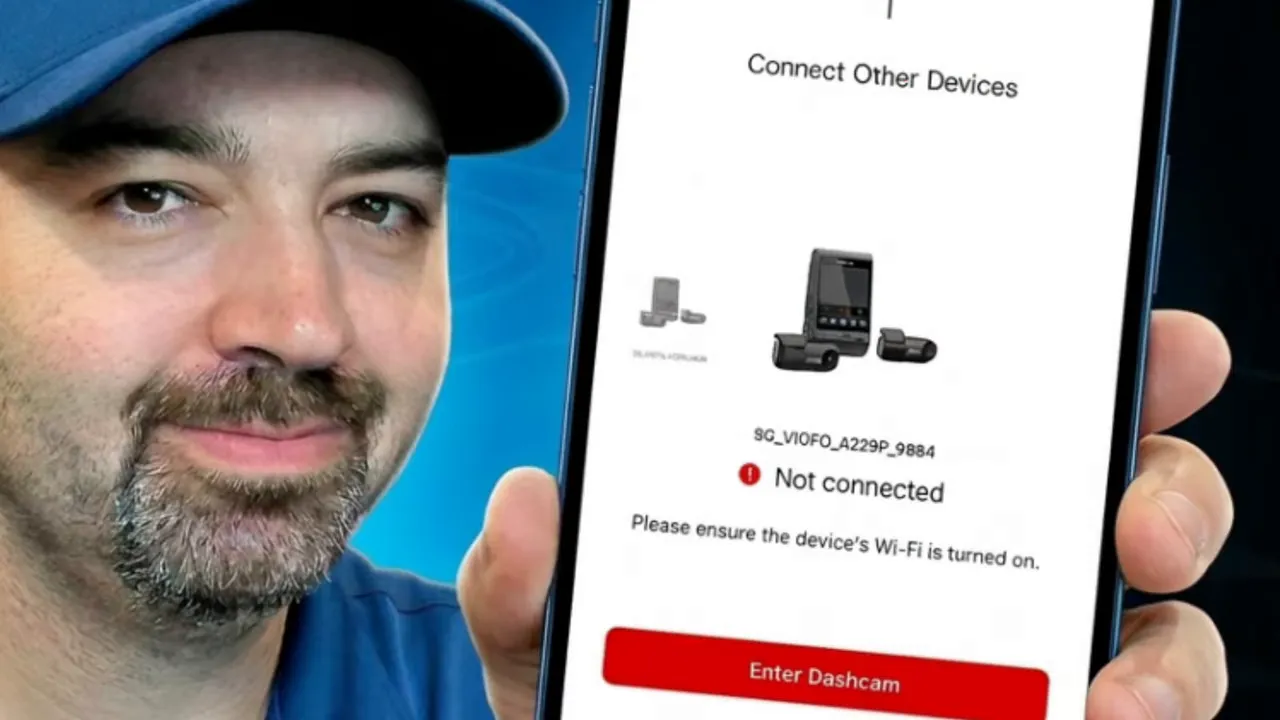
That is the nightmare scenario. In a single moment, the tool you installed for protection is gone, not because it failed on its own, but because someone disconnected it and never put it back.
Why shops say they unplug dash cameras
When drivers call the dealership or mechanic after discovering this, the explanation is often the same: privacy.
Many service departments have an internal policy to disconnect dash cams when a vehicle enters the shop. The stated reason is to protect employee privacy and avoid recording private conversations, work processes, or other customer vehicles in the service bay.
There is a legal angle too. In some places, audio recording laws are stricter than people realize. If a dash cam records audio in an all-party or two-party consent jurisdiction, a shop may be concerned about being recorded without permission.
On the surface, that explanation sounds reasonable enough. If audio recording is the concern, there is at least a discussion to be had.
But here is the real problem.
Most drivers are not told clearly that their dash camera will be disconnected. And even worse, it often is not plugged back in before the vehicle is returned.
That is where this stops being a privacy discussion and starts becoming a serious risk to the owner of the vehicle.
If you want a deeper look at how to protect your camera during service visits, this article on protecting your dash camera is worth reading.
The more unsettling possibility nobody likes to talk about
Not every unplugged dash cam is about privacy.
Sometimes, the uncomfortable truth is much simpler: cameras create accountability, and accountability makes it harder to hide bad behaviour.
That does not mean every mechanic is doing something wrong. Far from it. Most technicians are honest professionals doing real work under real pressure.
But a shop culture where cameras are routinely disabled can create a blind spot for the small number of people who should never be given one.
And when that happens, the issue may not be what they do not want recorded on audio. It may be what they do not want recorded on video.
Examples drivers keep reporting
- Mechanics taking customer vehicles on aggressive or high-speed test drives
- Performance cars being treated like toys instead of customer property
- Damage occurring inside the shop with no clear explanation afterward
- Vehicles returned with the camera still unplugged, leaving the owner unaware for weeks or months
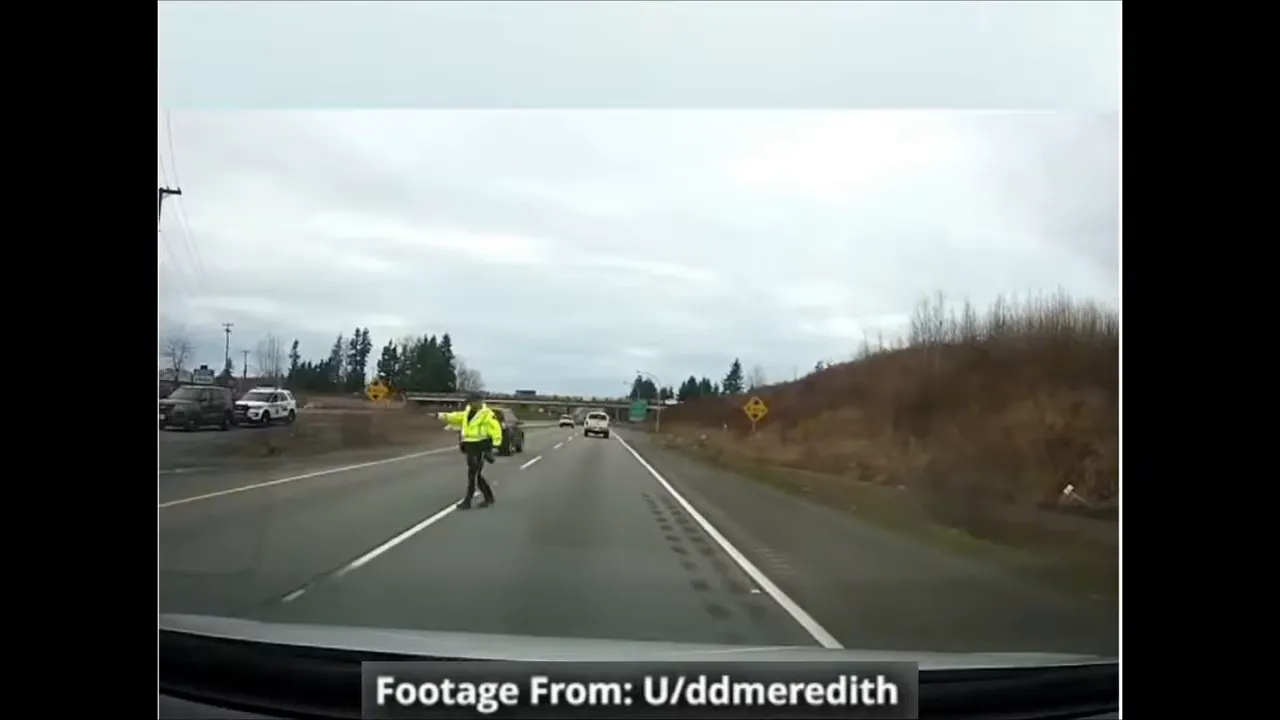
One widely shared example involved a mechanic driving a customer’s car at an excessive speed, leading to police intervention and the car being impounded. Stories like that are exactly why some drivers feel uneasy when they discover their dash cam has been disabled.
Again, this is not about painting all mechanics with the same brush. It is about recognizing that removing a recording device also removes accountability.
What happens when the footage you need is gone
This is where the real damage shows up.
Without dash cam footage, a clear-cut case can quickly become a long, stressful insurance dispute. A driver who was hit by someone else can end up paying a deductible, facing increased premiums, or getting dragged into a he-said, she-said claim with no independent evidence.
That is bad enough on its own. In some cases, the consequences can be even more severe.
We have seen customers discover their dash cams were unplugged for months. In one case, a customer later got into a major accident and ended up being accused of a hit-and-run, even though the other person hit them. The camera that might have provided critical proof had been disconnected long before, and nobody noticed.
That is why this issue matters so much. A dash cam is not just another gadget. It is evidence.
If you are still deciding whether a camera is worth having in the first place, this guide on why you need a dash cam lays out the bigger picture well.
Can you hold the dealership or shop responsible?
People naturally ask whether the shop can be held liable after something like this. Unfortunately, the answer is usually complicated.
From a legal standpoint, a dash cam is typically treated as an aftermarket accessory, not required safety equipment like airbags or brakes. That distinction matters.
Even if a shop created the vulnerability by unplugging the camera, proving they had a legal duty to make sure it was working when you left can be difficult. Pursuing a negligence claim may be possible in some circumstances, but it is often an expensive and uphill fight.
In practical terms, that means the legal system may not give you a clean or easy path to recover your losses after the fact.
That is frustrating, but it leads to an important takeaway: prevention matters more than relying on a remedy later.
What to do so this does not happen to you
The good news is there are a few simple habits that can dramatically reduce your risk.
1. Verify before you leave
This is the biggest one.
Before you put the car in drive, look up and confirm your dash cam is powered on and recording. Do not assume. Do not wait until you get home. Do not trust that it was reconnected.
Make this part of your routine every single time your vehicle comes back from:
- An oil change
- Tire work
- Mechanical service
- Body shop repairs
- Dealer inspections
A lot of people check their vehicle for new scratches or dings before leaving. That is smart. But you should also check your camera with the same level of attention.
2. Tell the service advisor the vehicle has a recording device
When dropping off the vehicle, politely let the service advisor know your car is equipped with a dash camera.
This does two things:
- It puts the shop on notice that the system exists
- It gives you a chance to discuss their policy before service begins
If audio recording is their concern and local law requires consent, offer to disable audio recording. That removes the main privacy objection while still preserving video protection once the vehicle leaves the shop.
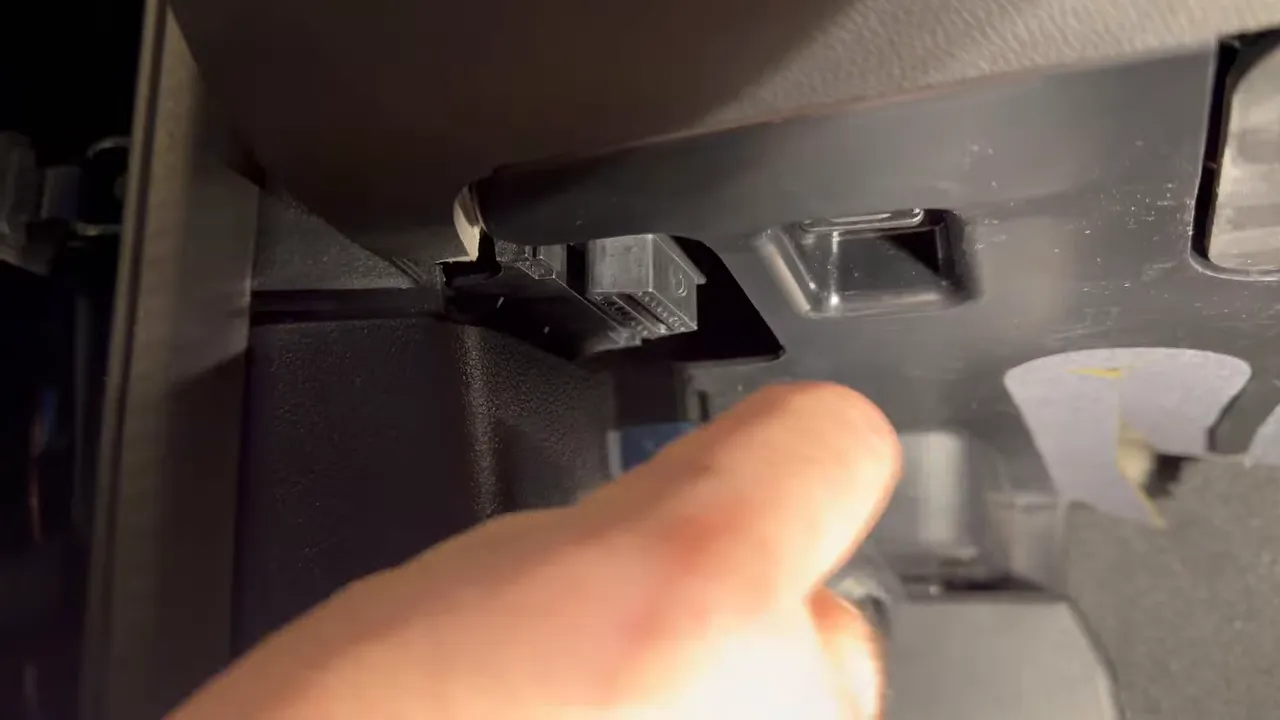
3. Consider a less obvious power setup
Some dash cams are very easy to disconnect. If the camera simply plugs into a visible USB port or power cable, it takes almost no effort for someone to pull the plug.
A cleaner, more integrated install can reduce casual disconnections. That often means using:
- A hardwire kit connected to the fuse box
- An OBD-II power connection
- A professionally hidden wiring route
This does not make a camera impossible to disable, but it can make it less obvious and less likely to be unplugged casually.
If you are considering a cleaner installation, this guide on how to hardwire a dash cam explains the basics.
4. Check more than just power
A camera can be on and still not be fully protecting you.
Every couple of months, make sure:
- The camera is actually recording
- The SD card is healthy and functioning properly
- The app connects if your model uses one
- Date and time are correct
- Front and rear channels are both working if you use a dual system
Too many drivers assume a lit power light means everything is fine. Sometimes it is not.
5. Know your local recording laws, but do not depend on them to save you later
It is smart to understand the rules around audio recording where you live. That knowledge can help you avoid issues and have a better conversation with a dealership or repair shop.
But as frustrating as it is, knowing your rights does not guarantee an easy solution after the damage is done. Once the footage is gone, it may already be too late.
That is why prevention is still your best defence.
Why this matters even if you have parking mode
Many hardwired dash cams do more than record while you drive. They also protect the vehicle when it is parked. That is one of the biggest benefits of a properly installed system.
But if a shop disconnects your camera, you can lose both types of protection:
- Driving footage after service
- Parking mode recording if the camera stays disabled
That is another reason it is so important to confirm the camera is back online before you leave. If your system includes parking mode, you may also want to read more about how dash cams record while parked and why continuous power matters.
The bottom line
Dealerships and mechanics unplug dash cams for a range of reasons. Sometimes it is a privacy policy. Sometimes it may be about reducing scrutiny. Either way, the result for the driver can be the same.
You are left vulnerable.
You can lose the evidence that proves what really happened. You can discover the problem only after an accident. And by then, the law may offer very little help.
So the habit to build is simple and non-negotiable:
Always check your dash cam before you drive away from service.
Not later that night. Not next week. Not when you happen to remember.
Right there in the parking lot.
One quick glance at the camera. One quick check that it is recording. That small step can save you from a world of trouble.
A final reminder
If your car has been in for tires, an oil change, body work, or any kind of mechanical service, take ten extra seconds before leaving:
- Look at the camera
- Confirm it has power
- Make sure it is recording
- Double-check the memory card once in a while
That simple routine can be the difference between having evidence and having nothing.
Have a safe drive.