
2026 Ram 1500 Front and Rear Dash Cam Installation
A clean dash cam installation is about more than hiding wires. In a 2026 Ram 1500, the routing has to respect the A-pillar airbag, keep the cabin looking factory-finished, provide reliable ignition-switched power, and position the rear camera so the truck's sliding rear window still works properly.
This front and rear dash cam setup does all of that. The result is full coverage ahead of and behind the truck, with no loose wiring visible once the trim panels are back in place.
Key Takeaways
- Route wiring behind the A-pillar airbag to keep its deployment path clear.
- Offset rear-camera placement preserves operation of the Ram 1500 sliding rear window.
- Fuse position F26 provides ignition-switched power for this dash cam installation.
- Securing excess cable behind trim creates a clean, factory-style finish.
Route the Front Dash Cam Wiring Safely Around the A-Pillar Airbag
The most important part of this installation is the driver's A-pillar. Behind that trim is the side-curtain airbag, and it deploys outward into the cabin. The dash cam wiring cannot be laid over the airbag or placed where it could restrict deployment.
The power cable and rear-camera cable are routed behind the airbag, then secured directly to the existing factory harness with tie straps. This keeps the wiring controlled, out of sight, and away from the airbag's deployment path.
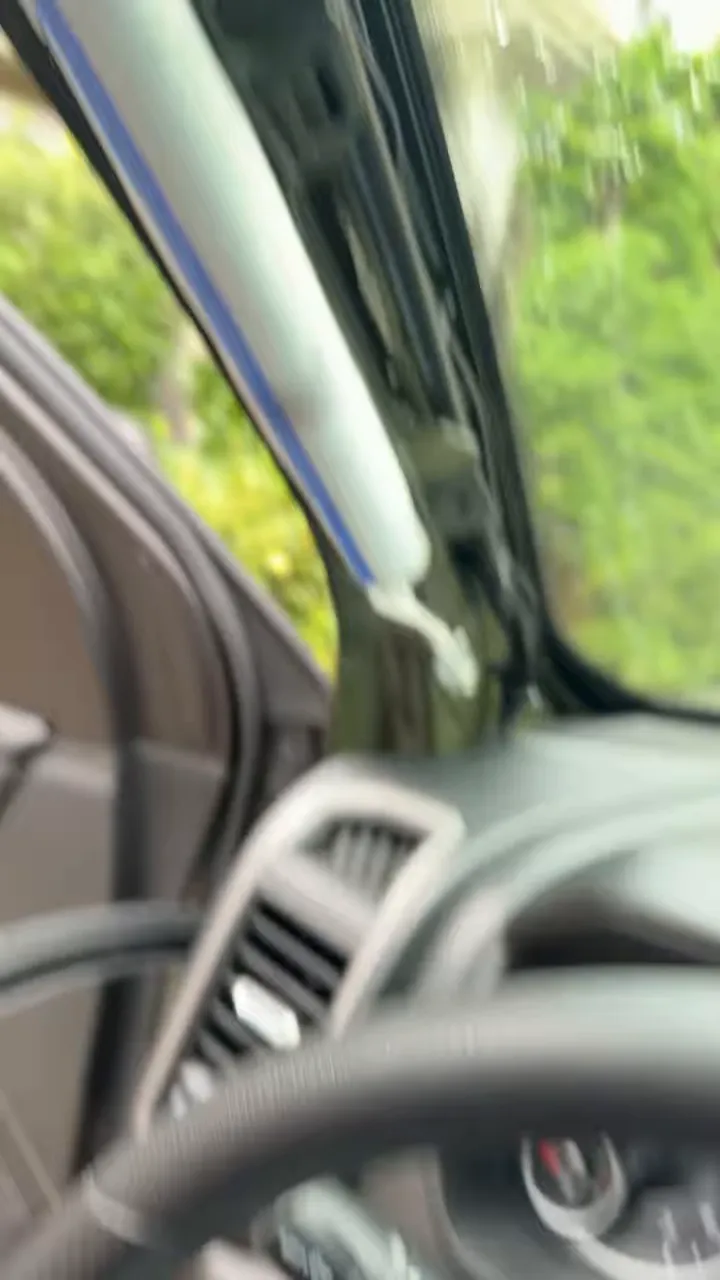
This detail matters. A-pillar trim is not simply a convenient cover for wiring. It is part of an airbag-equipped area, so the installation must preserve the vehicle's original safety function. For more general airbag safety information, consult the National Highway Traffic Safety Administration's airbag guidance.
Once the wiring is routed and secured, the A-pillar goes back on using its two 10 mm bolts. The trim clicks back into place at the top and bottom, followed by the weatherstripping. When reassembled properly, the pillar looks completely untouched.
Mount the Front Camera Near the Rearview Mirror
Both cables emerge neatly from behind the headliner area near the rearview mirror. One is the power lead for the front camera, and the other continues rearward to the rear camera.
The front camera mounts beside the rearview mirror, where it has a clear forward view without creating distracting loose wiring across the windshield or dashboard. Keeping the cable exit close to the mounting location makes the finished installation much cleaner.
Position the Rear Camera Around the Sliding Rear Window
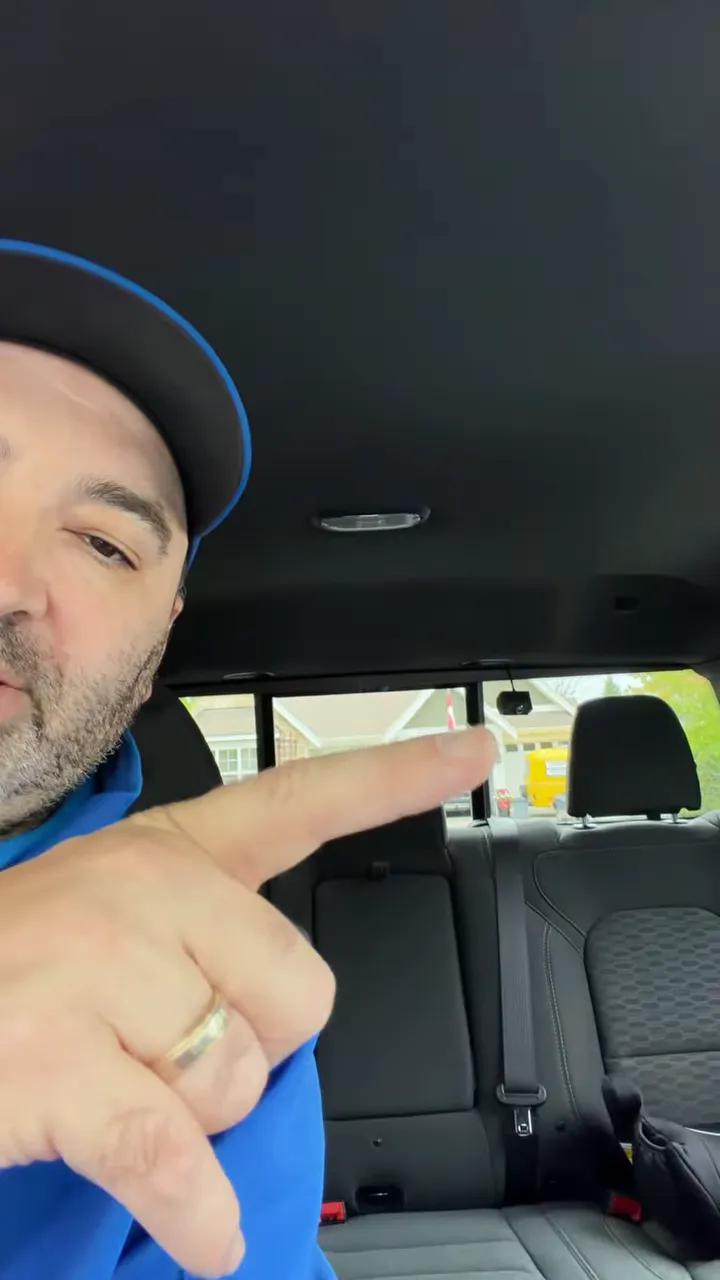
The rear dash camera is not mounted in the centre of the rear glass on this Ram 1500. That is intentional.
The truck's rear window opens toward the driver's side. Placing the camera in the centre could interfere with the sliding glass. Instead, the camera is mounted off to the side where it stays clear of the moving window.
That location still provides strong rear coverage thanks to the camera's 160-degree wide viewing angle. It can capture activity behind the vehicle while leaving the rear window fully usable.
Hardwire the Dash Cam With an Ignition-Switched Fuse Tap
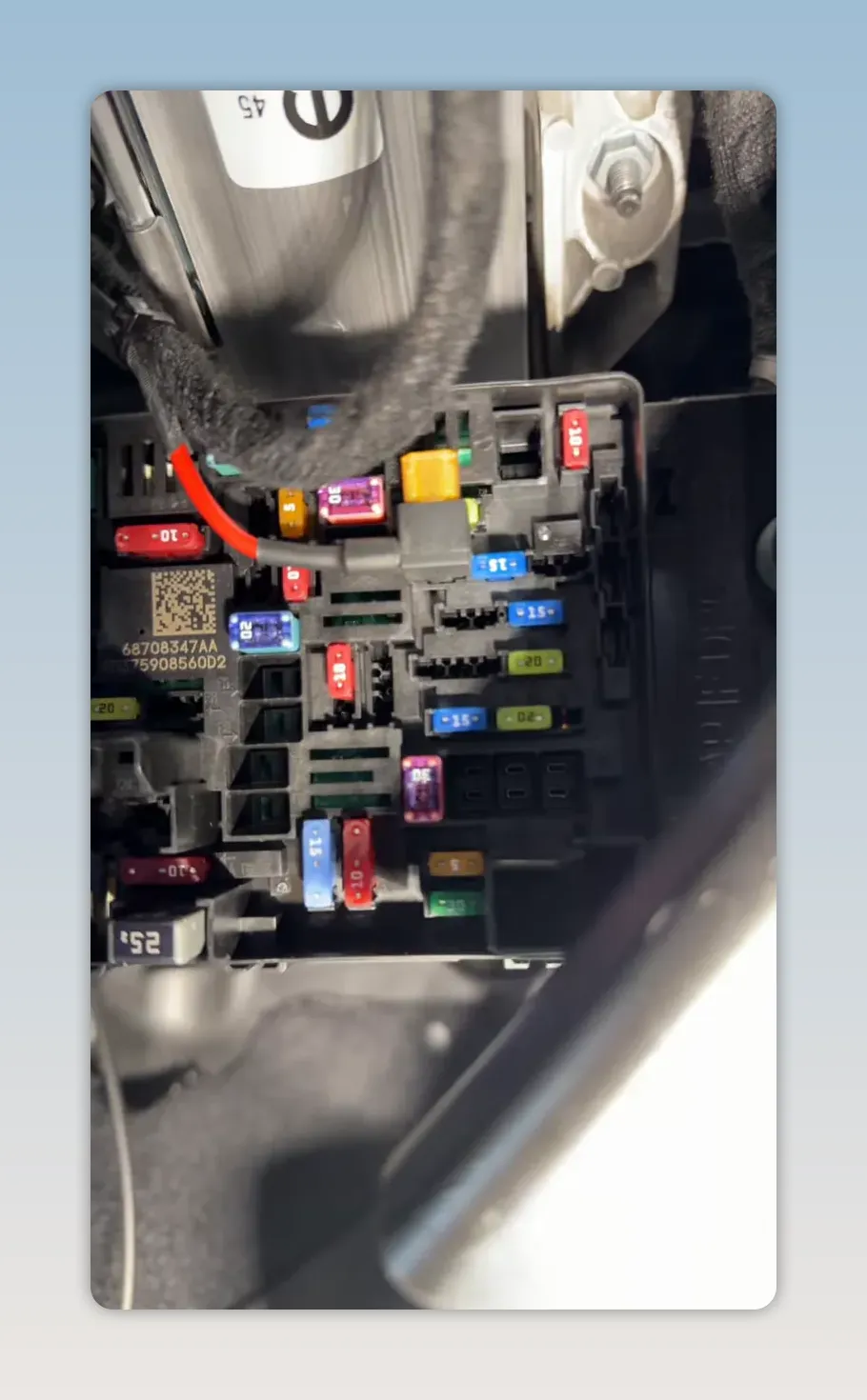
Under the dash, the camera system is connected through a fuse tap. The ignition connection is made at fuse position F26.
According to the fuse box layout, F26 is listed as unused or spare on this vehicle, but it tests as ignition-switched power. That makes it a suitable source for powering the dash camera when the truck is on, rather than leaving the camera running continuously from a permanent power source.
The fuse holders remain accessible and the connections are kept tidy in the lower dash area. Excess wire is bundled and tie-strapped at the side of the dash before the panel is reinstalled.
Finish With a Factory-Clean Installation
Once the A-pillar trim, weatherstripping, and side dash panel are back in place, there is no exposed wiring in the cabin. The front camera sits cleanly near the mirror, the rear camera avoids the sliding rear glass, and the hardwire connection stays concealed beneath the dash.
That is the goal with any vehicle-specific dash cam installation: safe routing, reliable power, proper camera coverage, and a finish that looks like it belongs in the truck.
Key Installation Details for the 2026 Ram 1500
- Route dash cam wiring behind the A-pillar airbag and secure it to the factory harness.
- Reinstall the A-pillar using its two 10 mm bolts before refitting the weatherstripping.
- Mount the rear camera off-centre to avoid interfering with the driver's-side sliding rear window.
- Use the F26 fuse location for ignition-switched dash cam power on this truck.
- Bundle and tie-strap excess wiring behind the side dash panel for a clean finish.
Frequently Asked Questions
Why should dash cam wiring not run over the A-pillar airbag?
Wiring placed over the airbag could interfere with its deployment. The cable should be routed behind the airbag and secured to the factory harness.
Why is the rear camera mounted off-centre in the 2026 Ram 1500?
The rear window slides toward the driver's side. An offset camera location avoids obstructing the moving glass while the 160-degree viewing angle still covers the area behind the truck.
Which fuse was used for ignition-switched dash cam power?
Fuse position F26 was used. It is labelled as unused or spare in the fuse-box layout but tests as ignition-switched on this Ram 1500.
Will a hardwired dash cam leave visible cables inside the truck?
Not when the wiring is routed behind the trim, secured to existing harnesses, and excess cable is bundled behind the side dash panel.